The church super app · Android and iOS

Your church,
in your pocket.

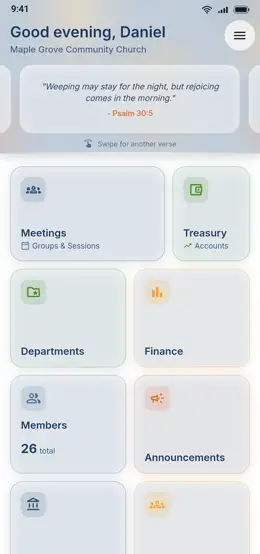
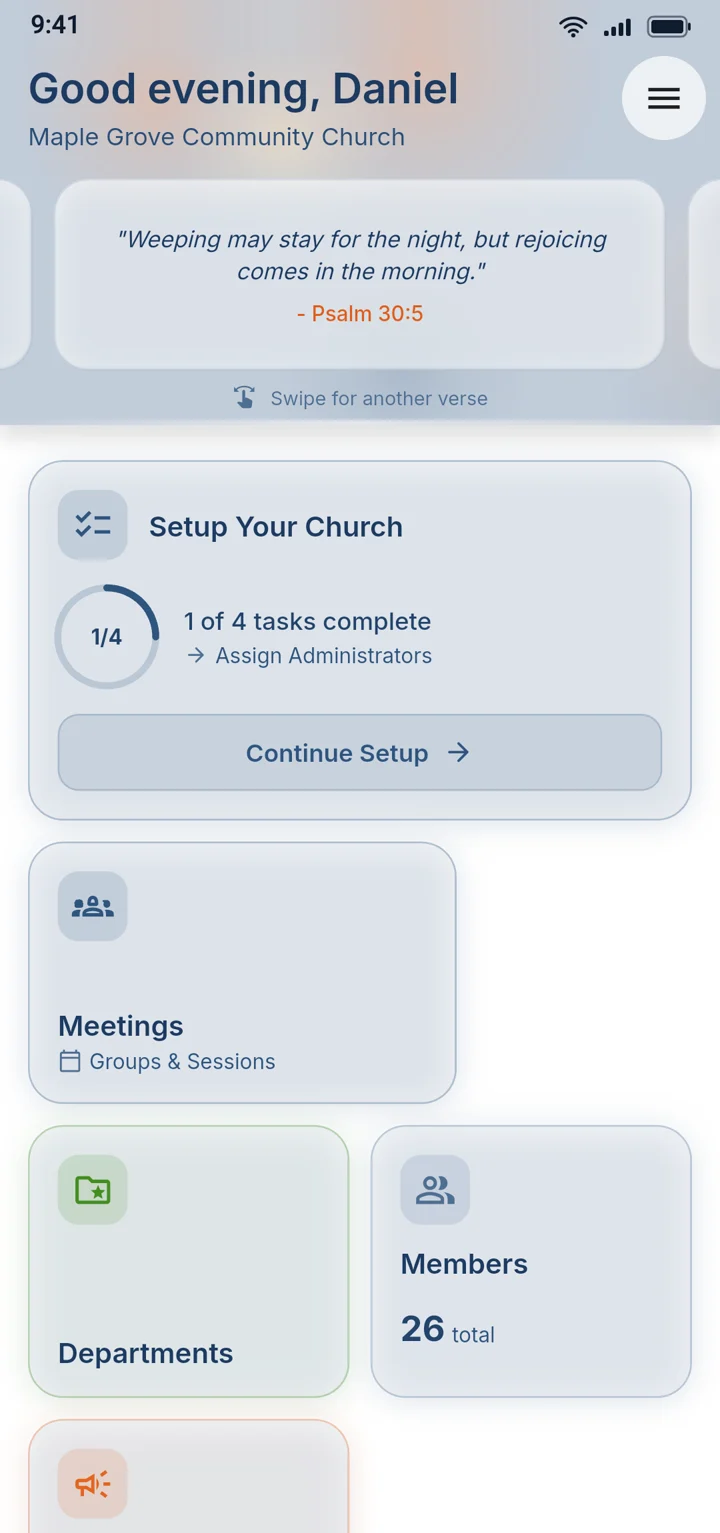
Most church apps stop at a member list and a calendar. SDA Church App runs the whole church, from the member book and the treasury to elections and choir practice, with 138 features and new ones every month. No other church app goes into this much detail.

138
features
11
areas of church life
Monthly
new features
See some of what it does

13 favorites out of 138

A few of our favorites

01

People

Getting members into the app and keeping them informed.

01Join by QR

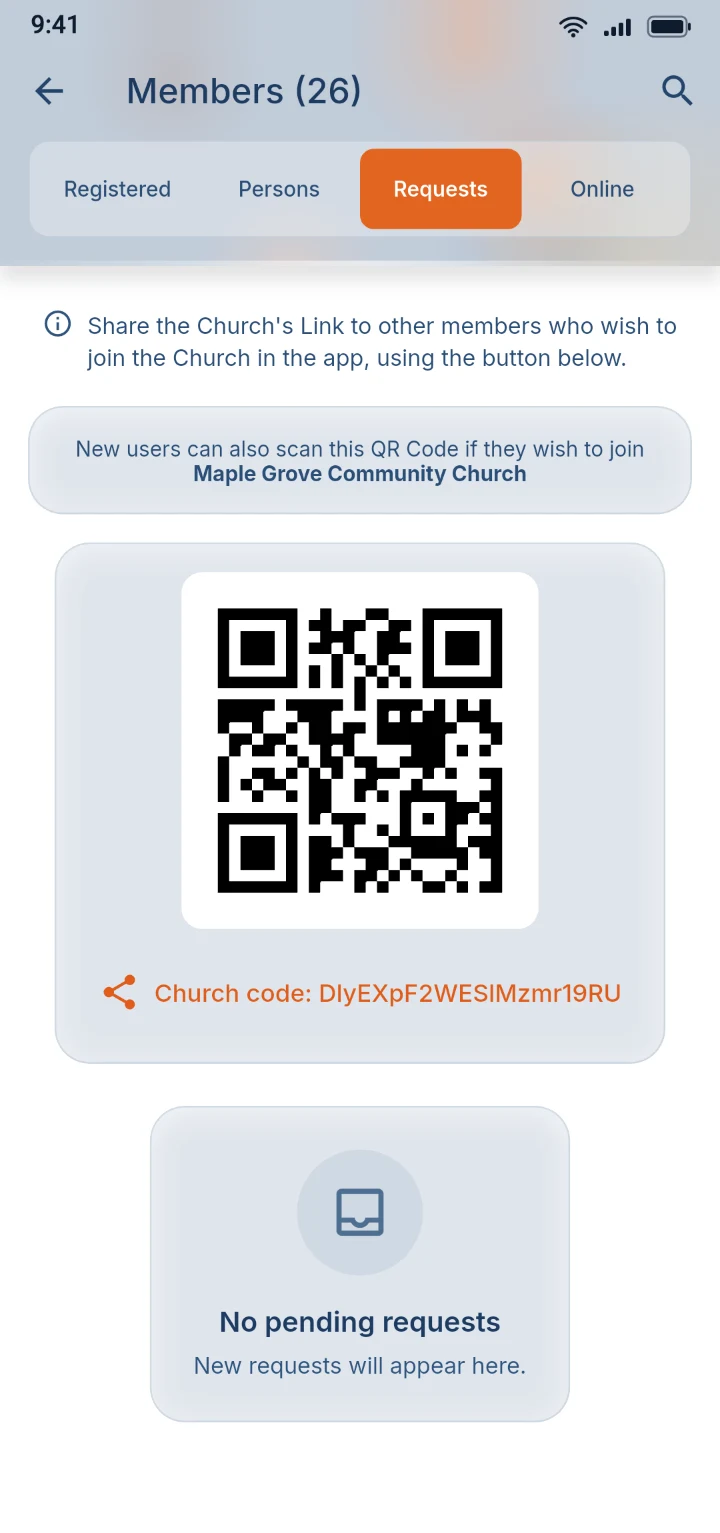
New members join with a scan

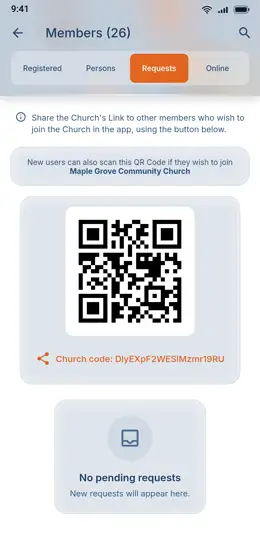
No paper forms and no names typed into a spreadsheet. A newcomer scans a member's QR code or enters the Church Code, checks it's the right church, and sends a request. A secretary approves it with one tap, and the member book is up to date.

Every request waits until someone approves it.

The app showing a church QR code and its Church Code

02Member book

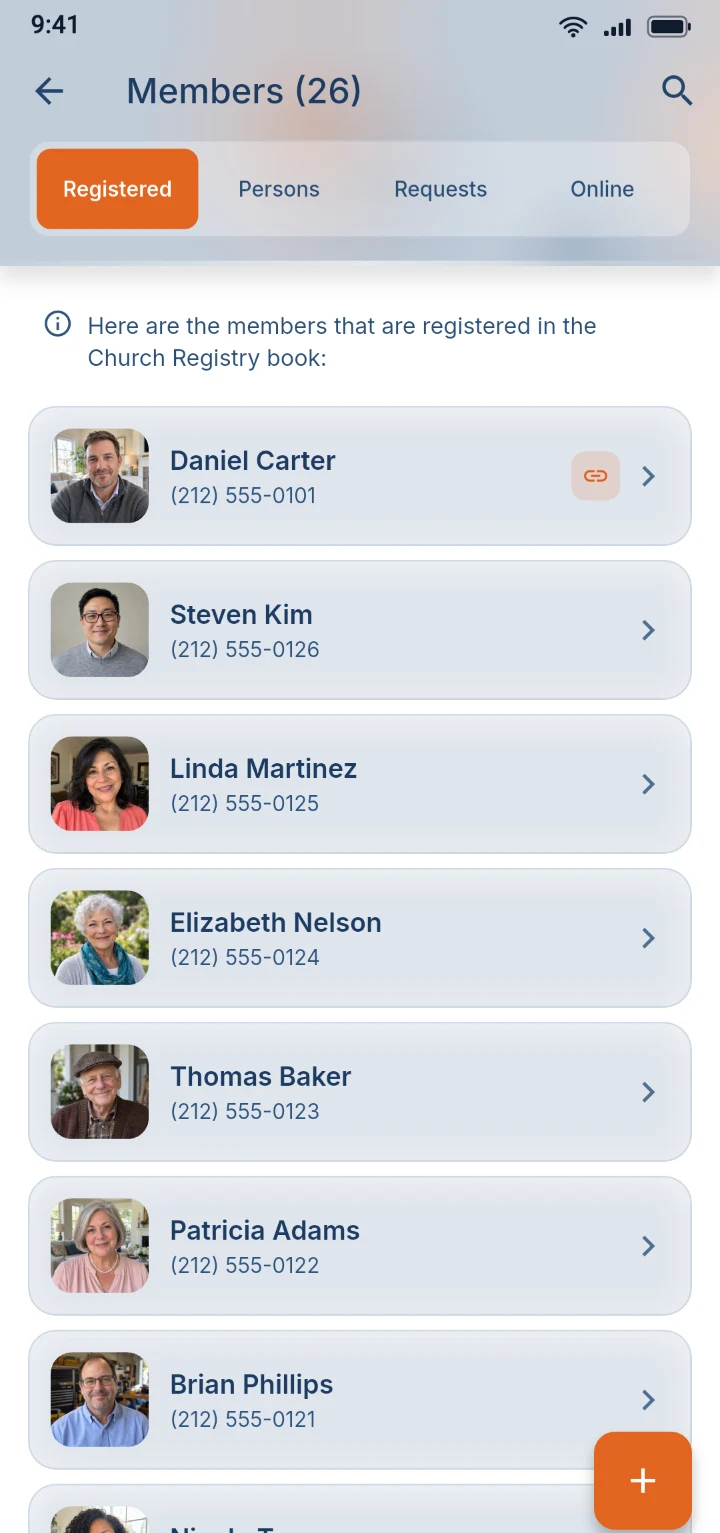
Your whole church directory, always current

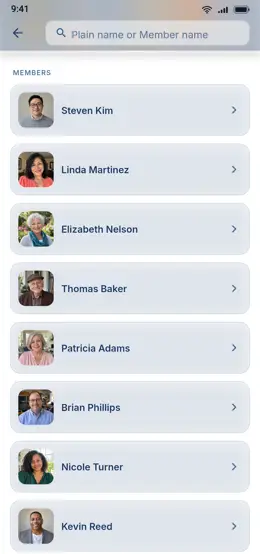
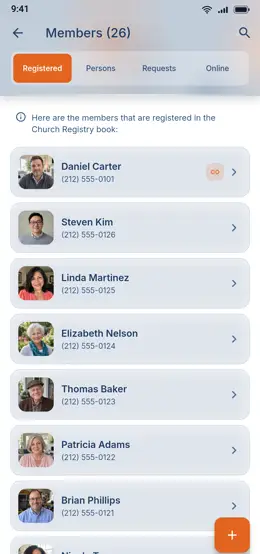
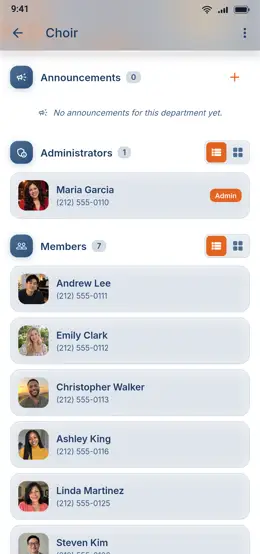
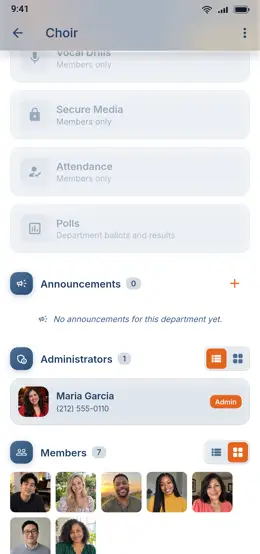
Every member's photo, name and phone number is on everyone's phone, and a change made by the secretary shows up within seconds. Find anyone by name or nickname and call them with one tap. Visitors and people without the app can be listed too.

The member book listing members with their photos, names and phone numbers

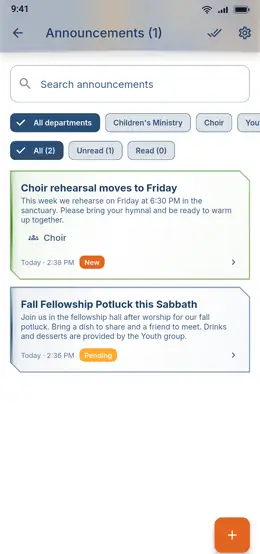
03Read receiptsNew

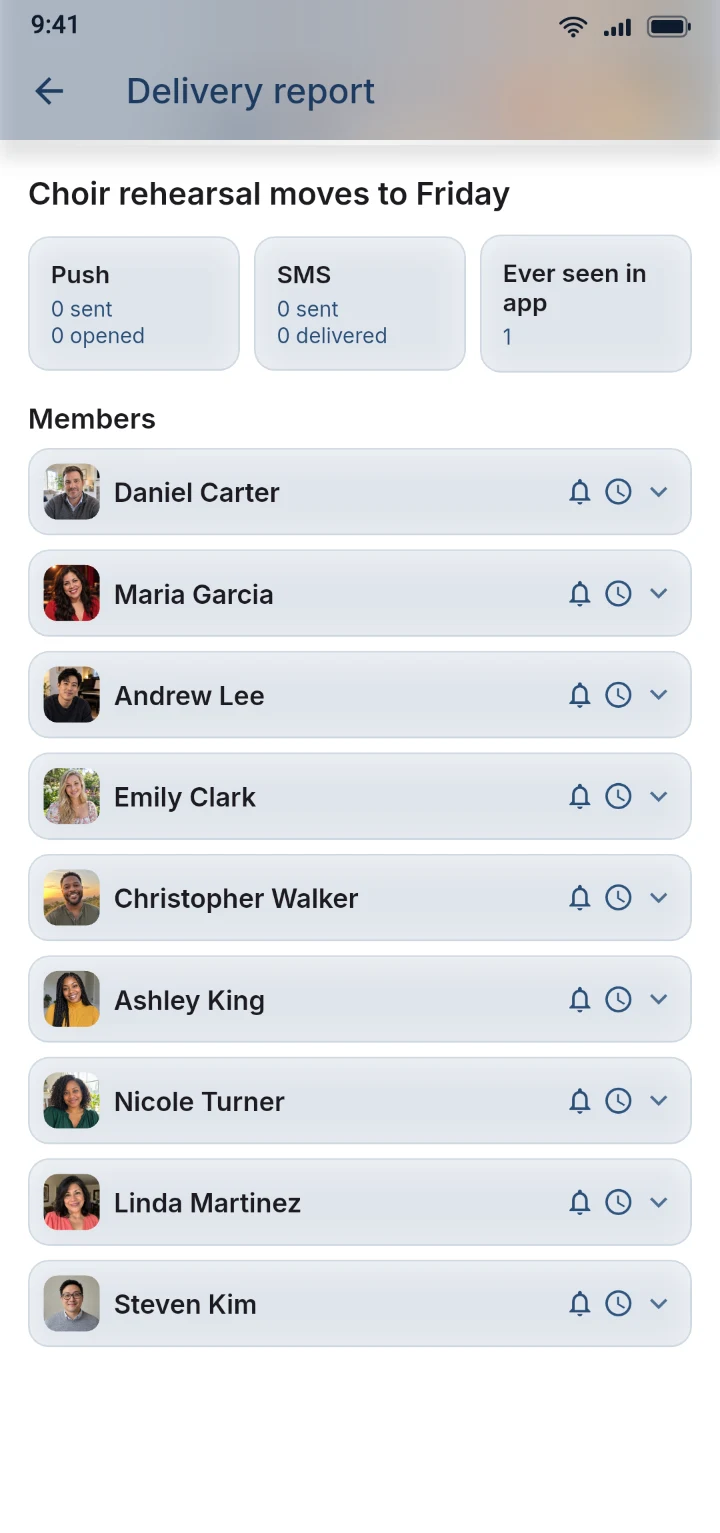
Know exactly who got the message

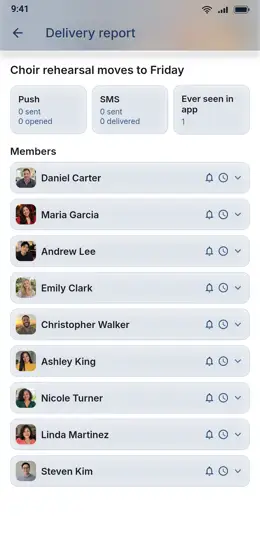
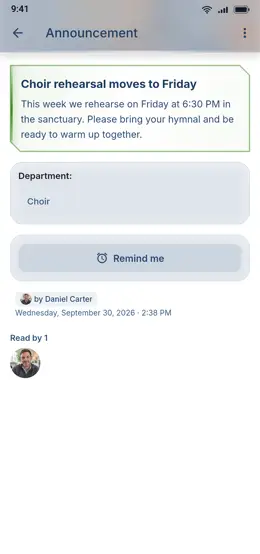
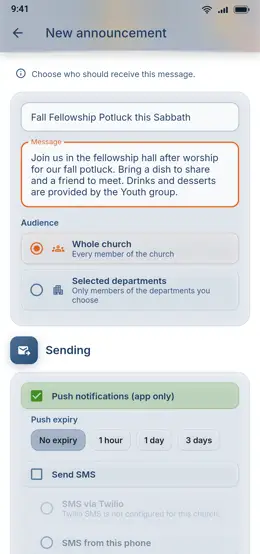
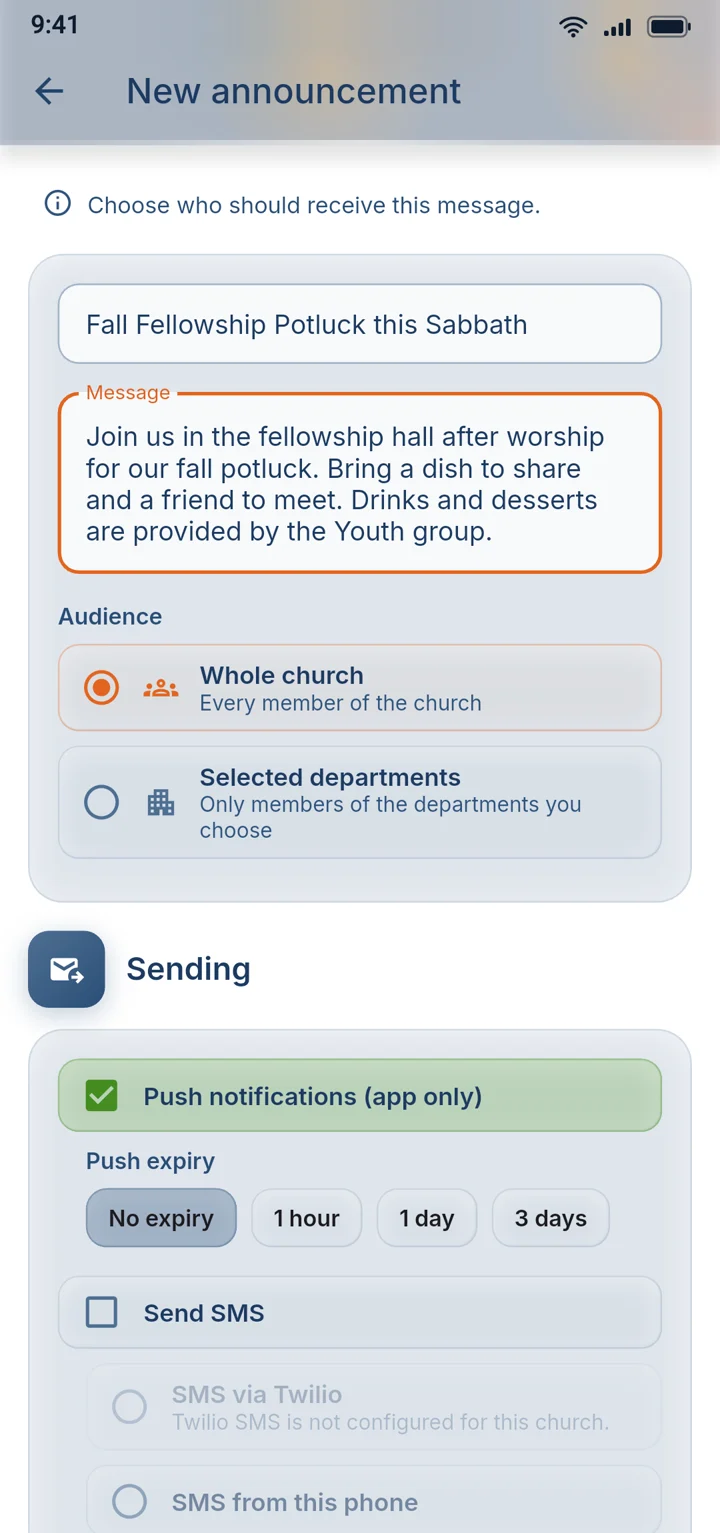
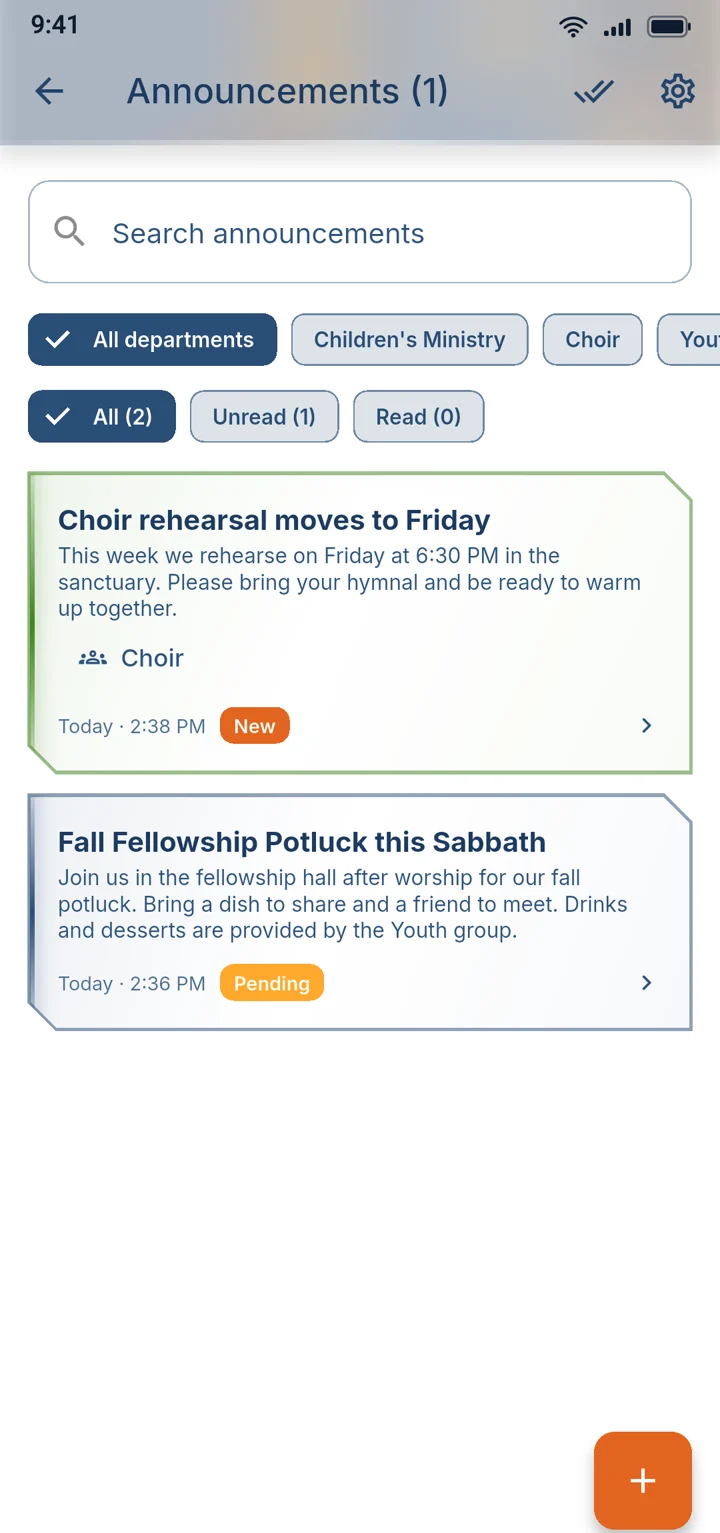
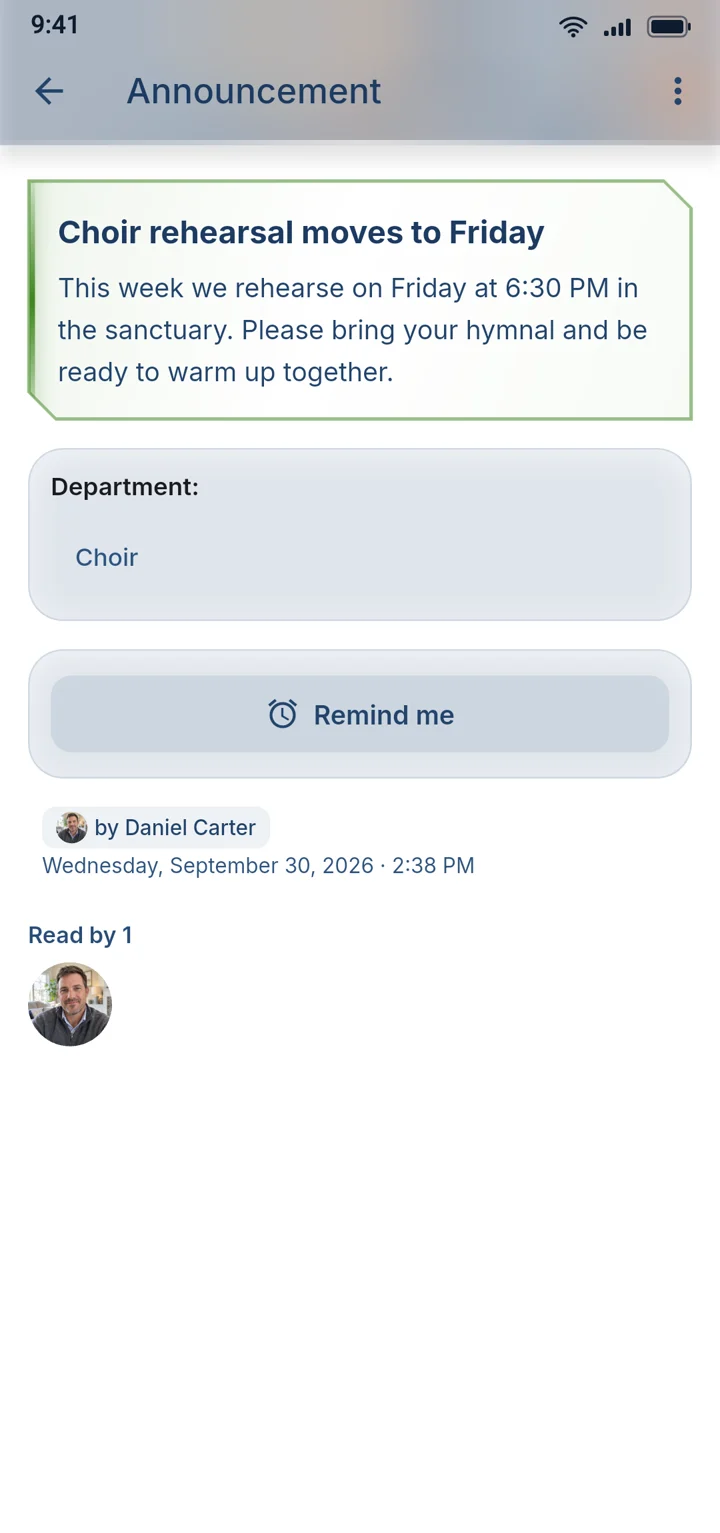
Stop wondering whether the news reached everyone. Send it as a push notification, an SMS, or both, and watch the faces of the members who opened it appear under the message. Leaders get a delivery report for every announcement, member by member.

The delivery report listing every member with the status of their notification
02

Meetings

For the nominating committee and the church board.

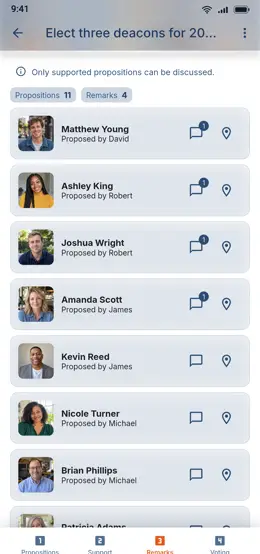
04Guided polls

Run the nominating committee without paper ballots

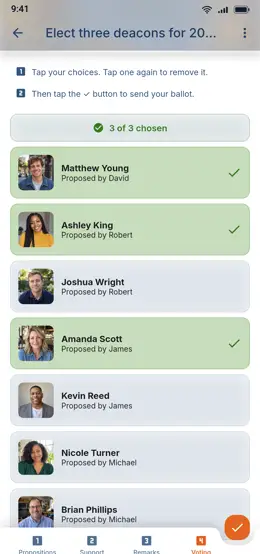
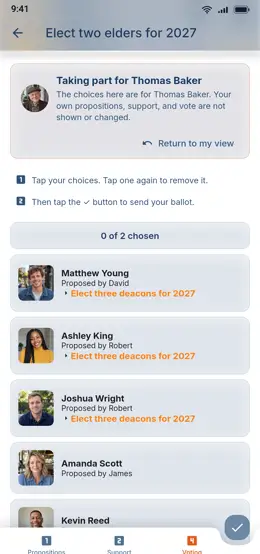
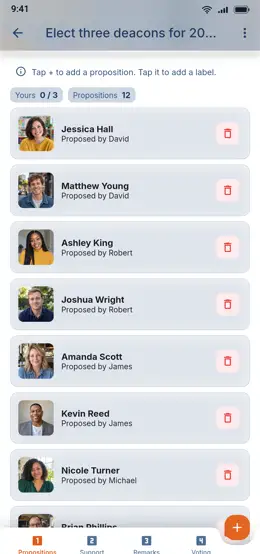
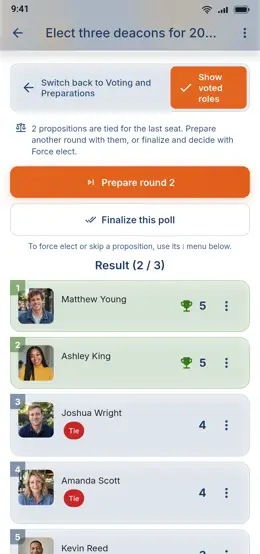
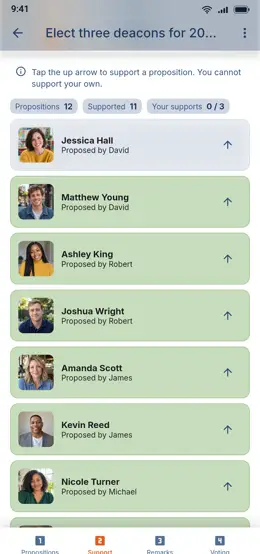
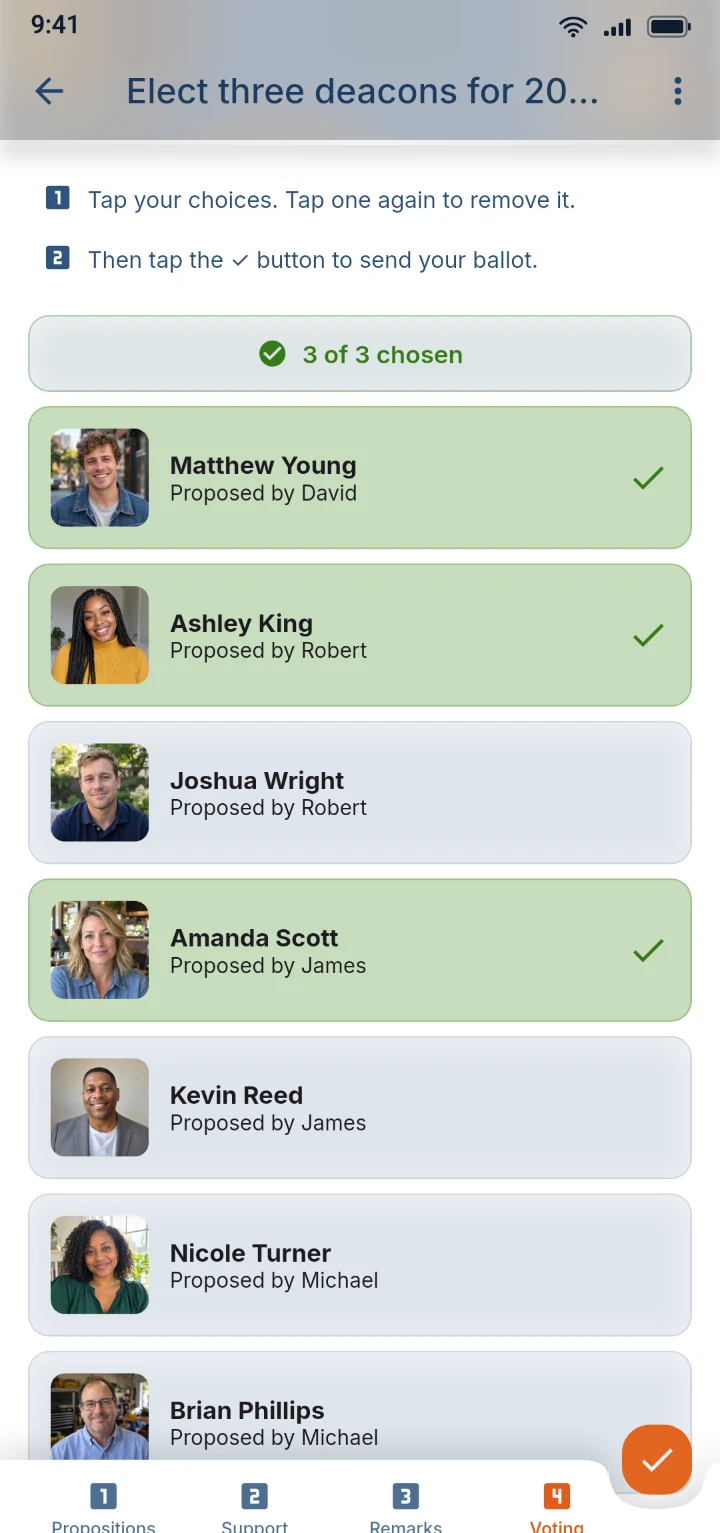
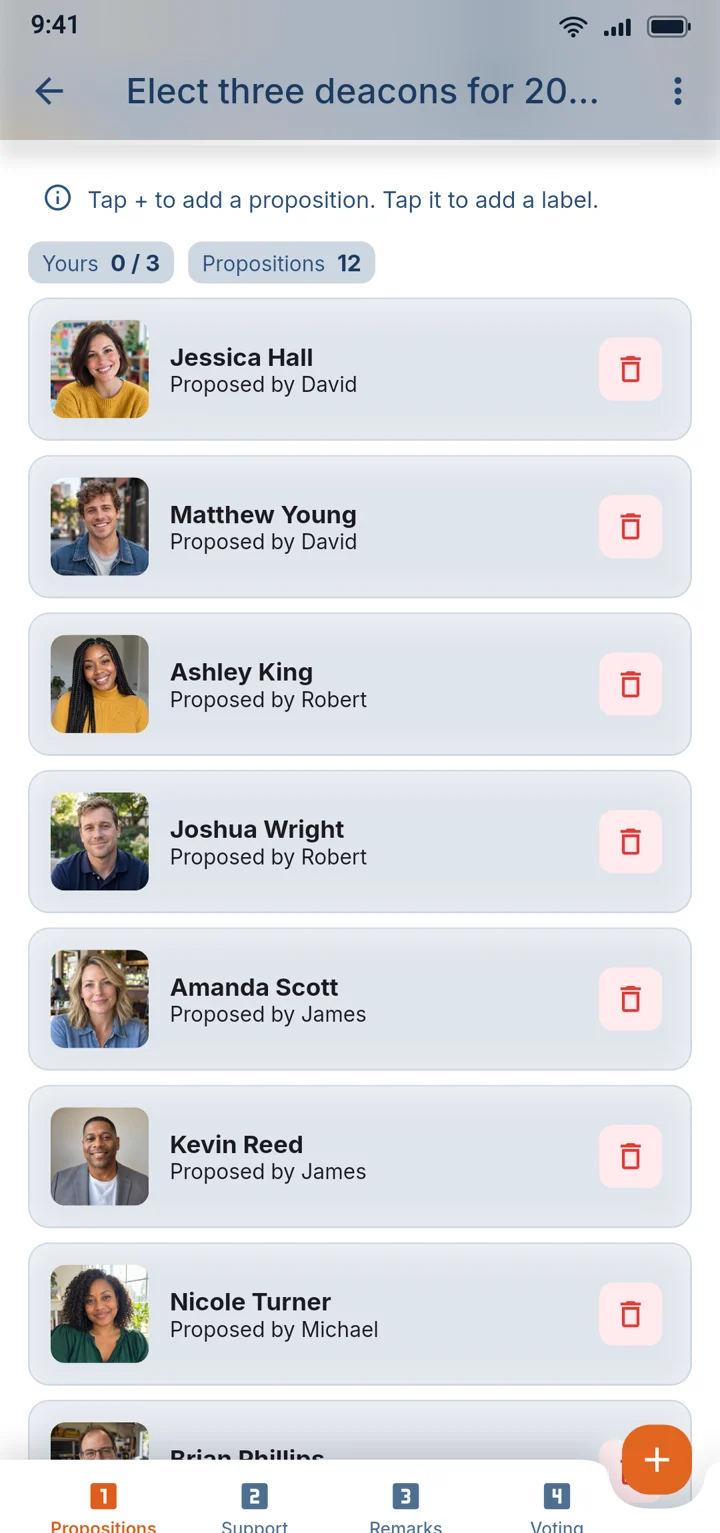
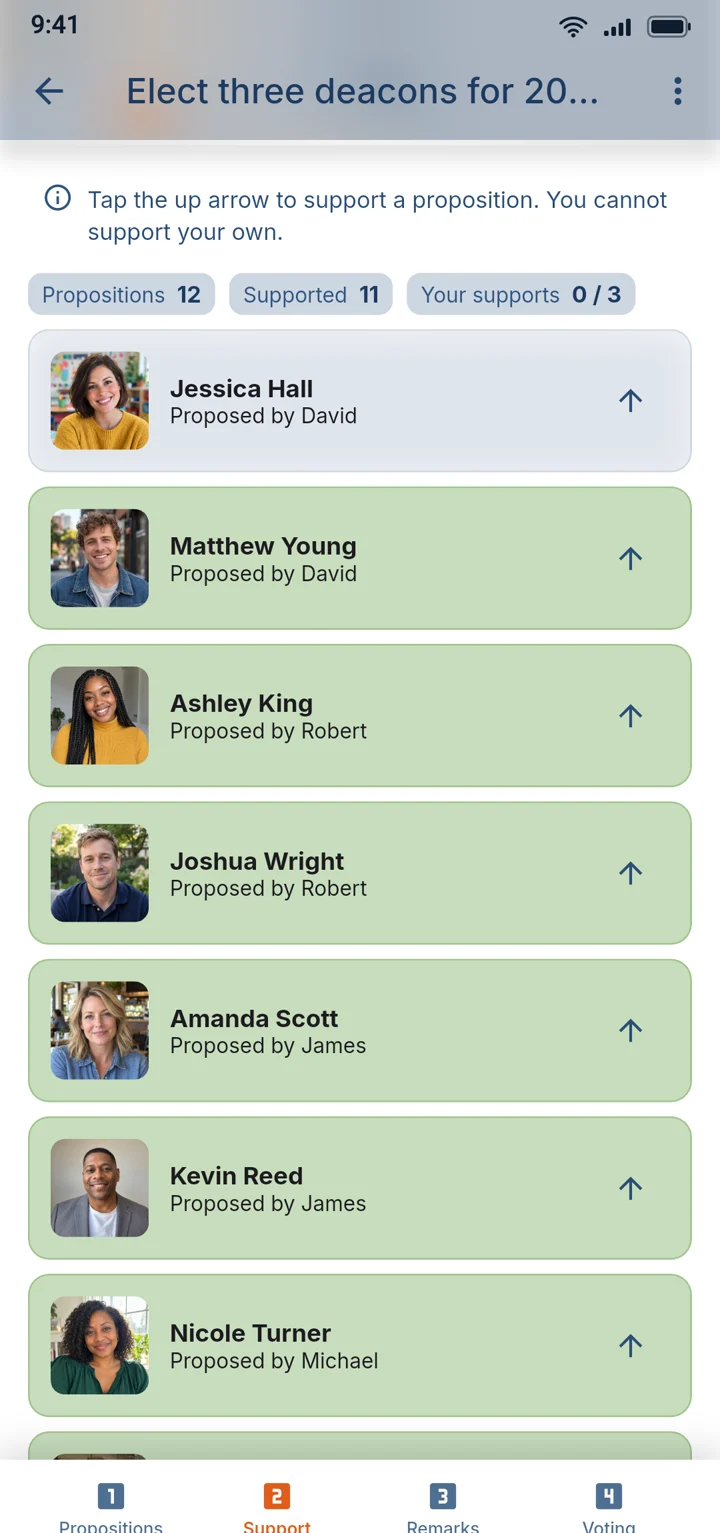
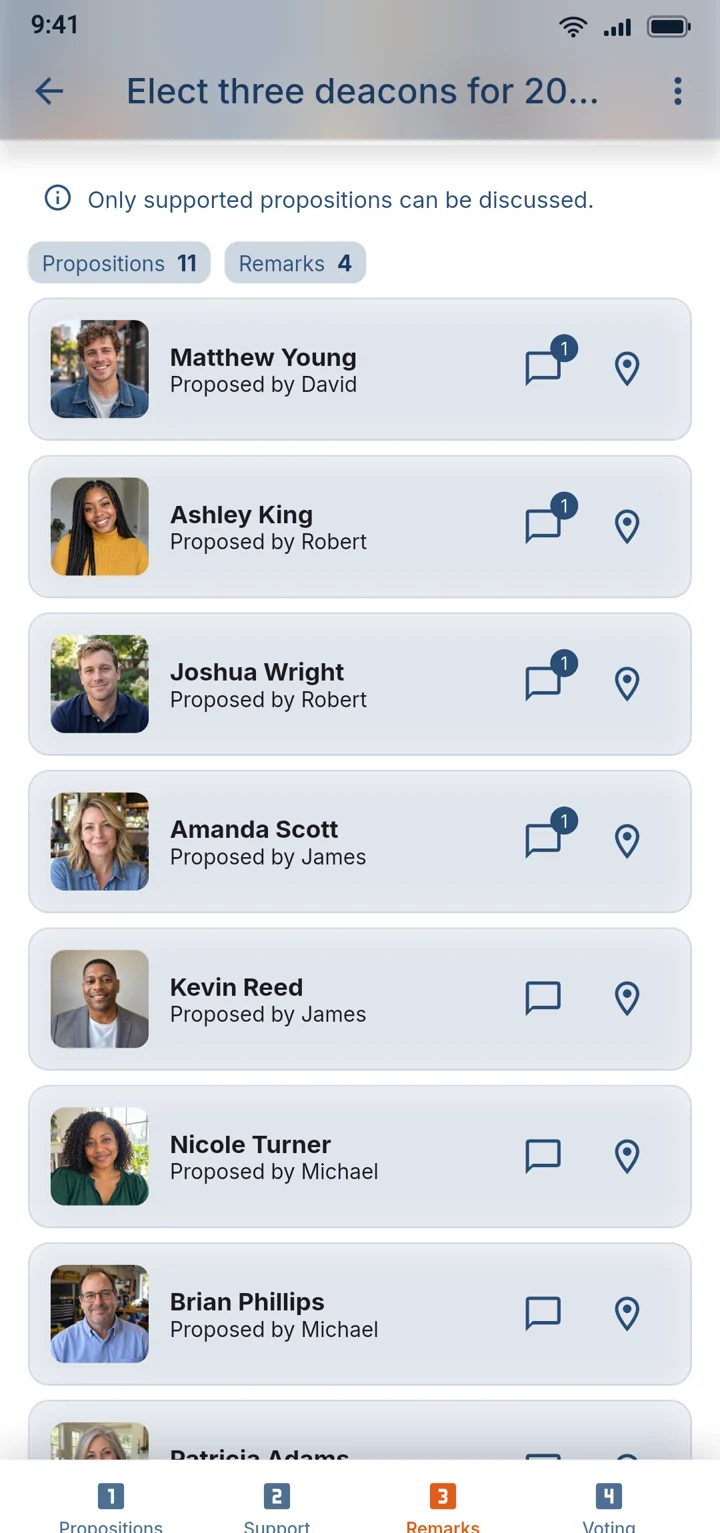
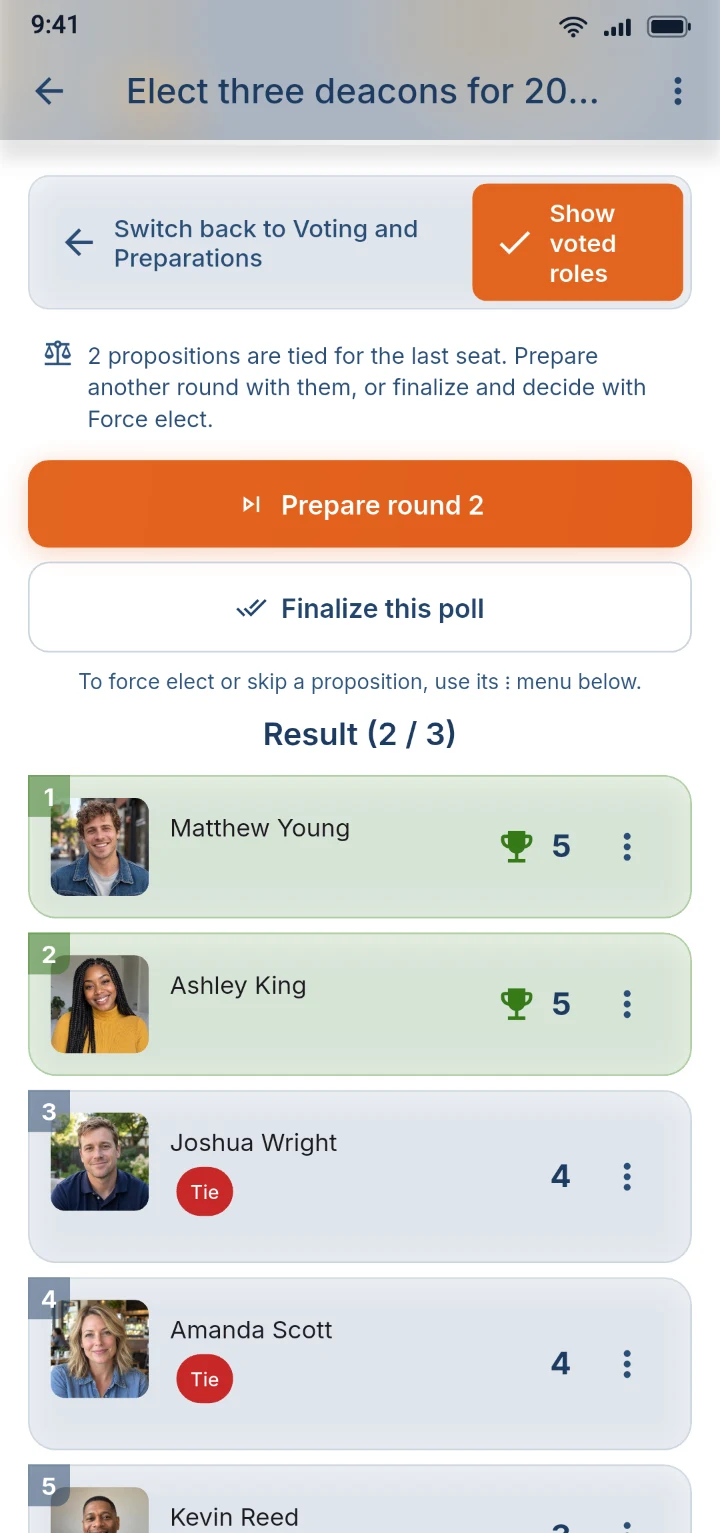
The app walks the committee through each step in order: propose names, support them, discuss, then vote, every member on their own phone. Nobody sees the result until everyone present has voted, so no one is swayed halfway through.

A ballot with three chosen names and the numbered steps: propose, support, remarks, voting

05Live screenNew

Put the vote on the big screen

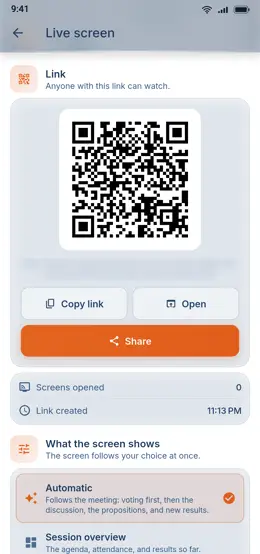
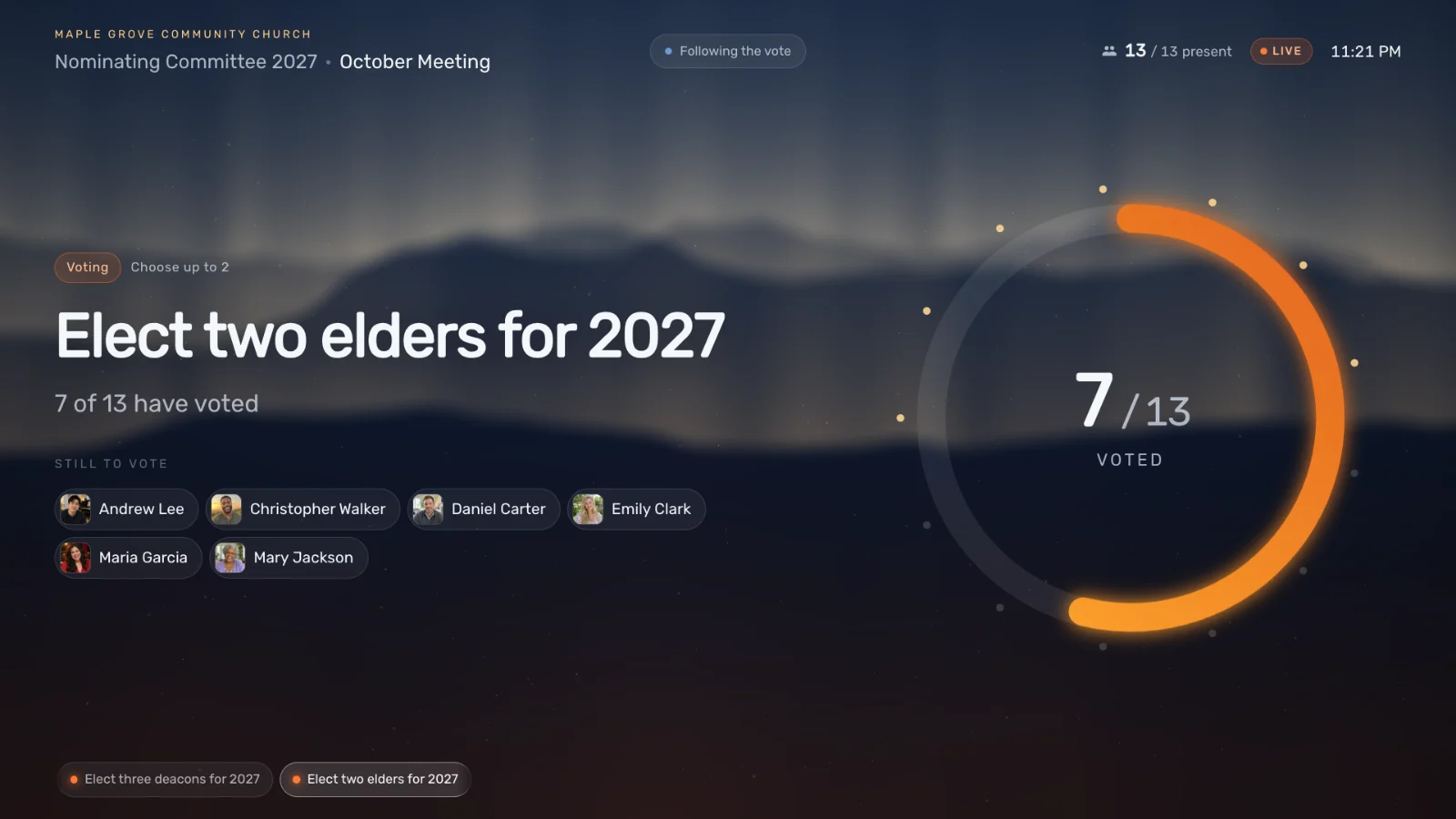
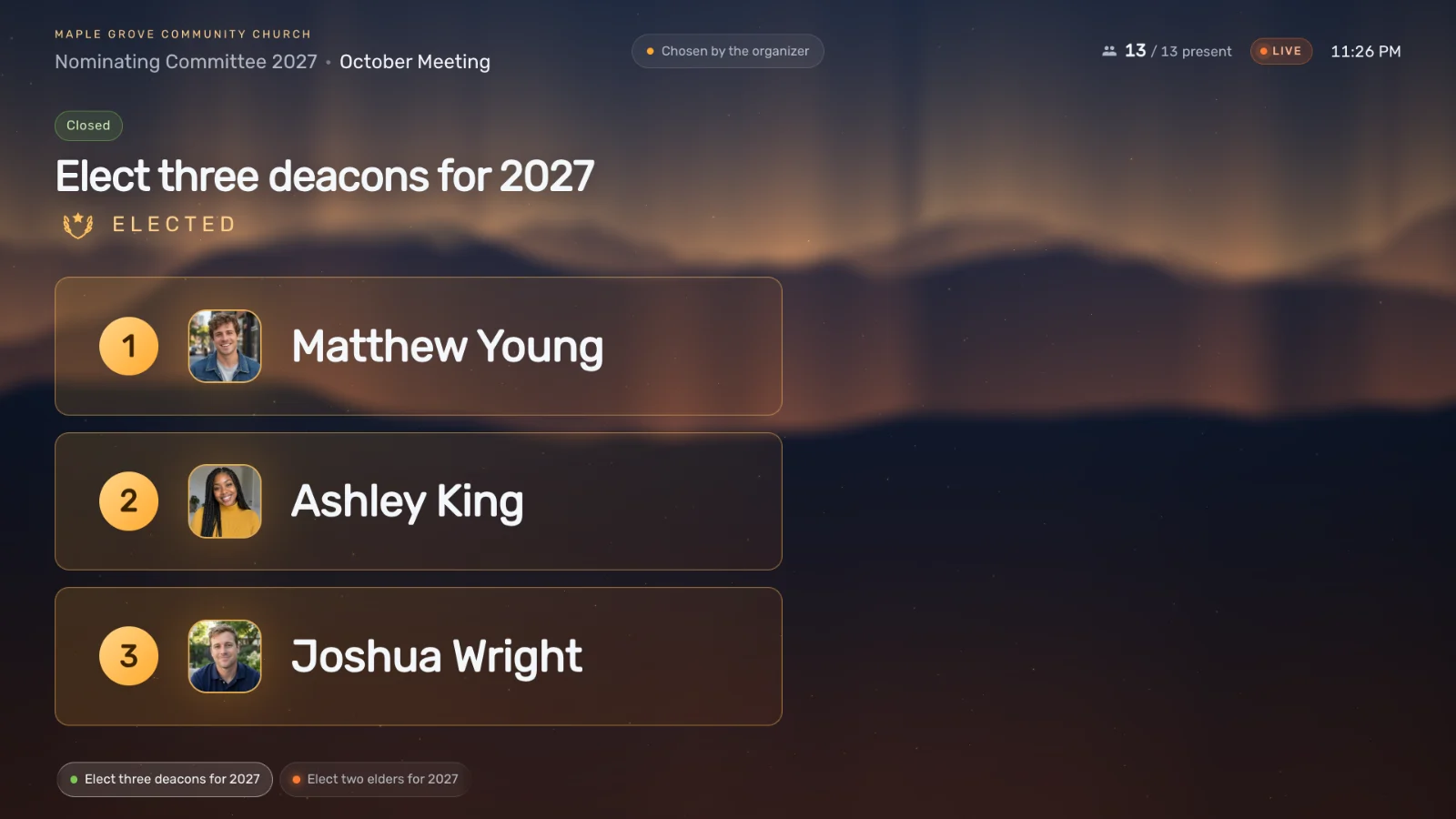
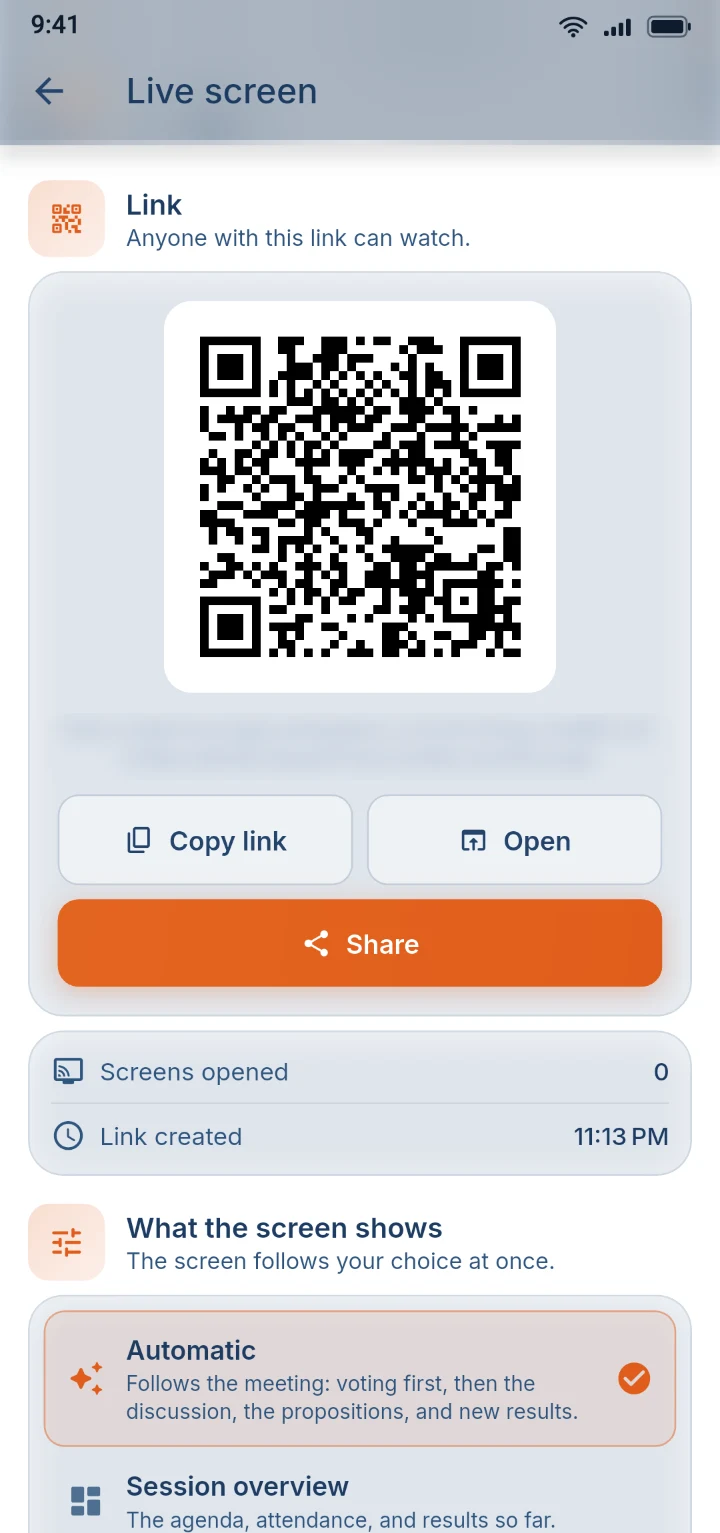
Open a private link on the projector and the whole room follows along: who still has to vote, a ring that fills as ballots come in, and then the elected names revealed one at a time. A long election meeting becomes something people actually watch.

Ballots and running totals never appear on it.

The live meeting screen: a ring filling as ballots arrive, and who has yet to vote
The live meeting screen showing the three elected names with their photos
The Live screen page in the app, with a QR code and a link to share

06Phone handoverNew

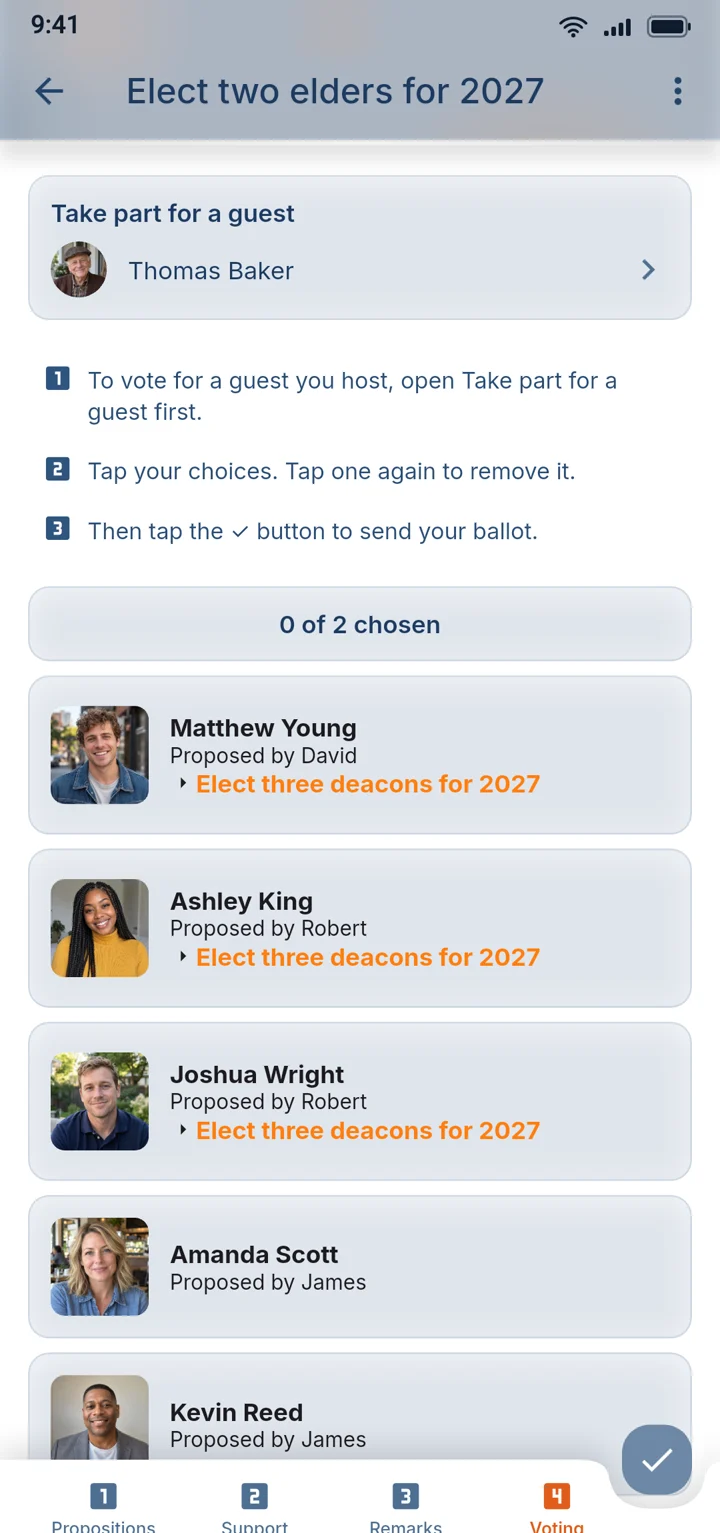
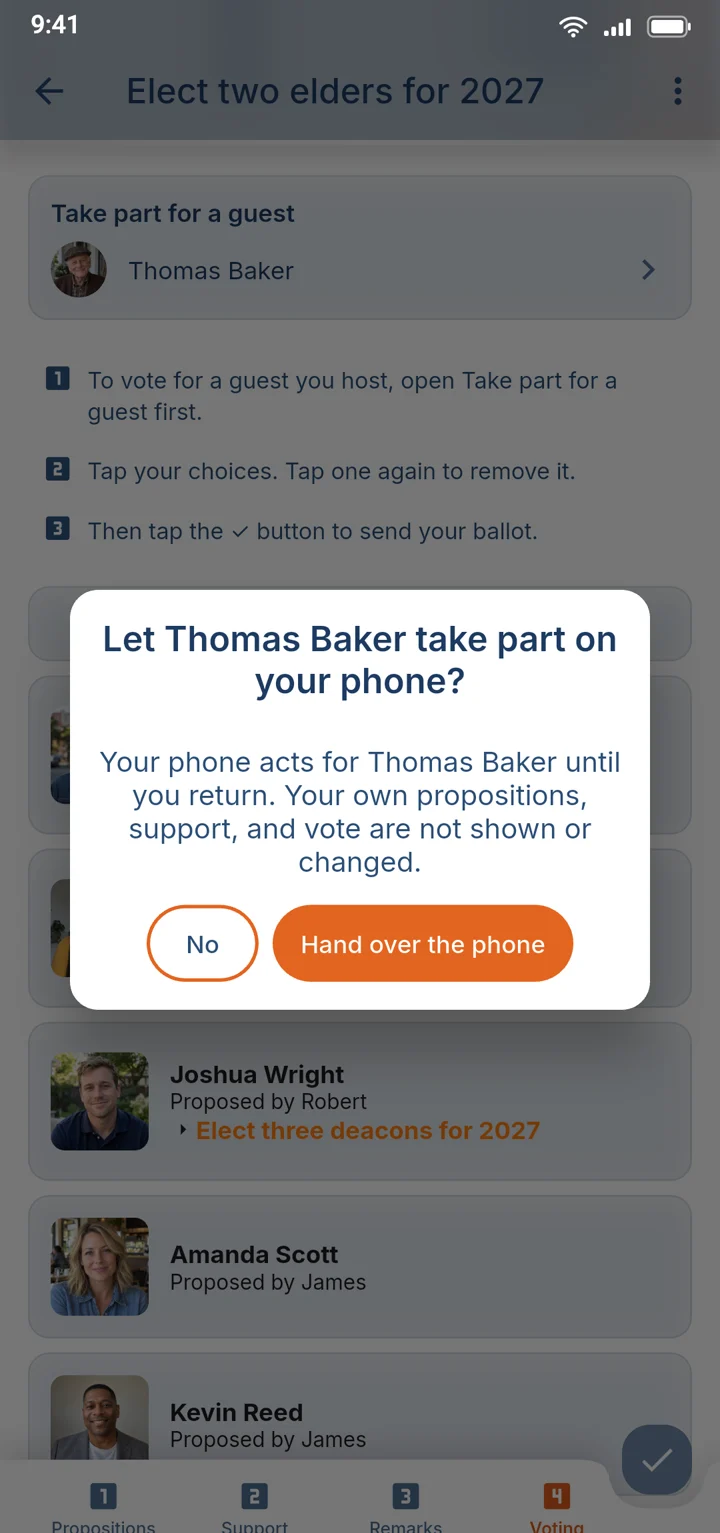
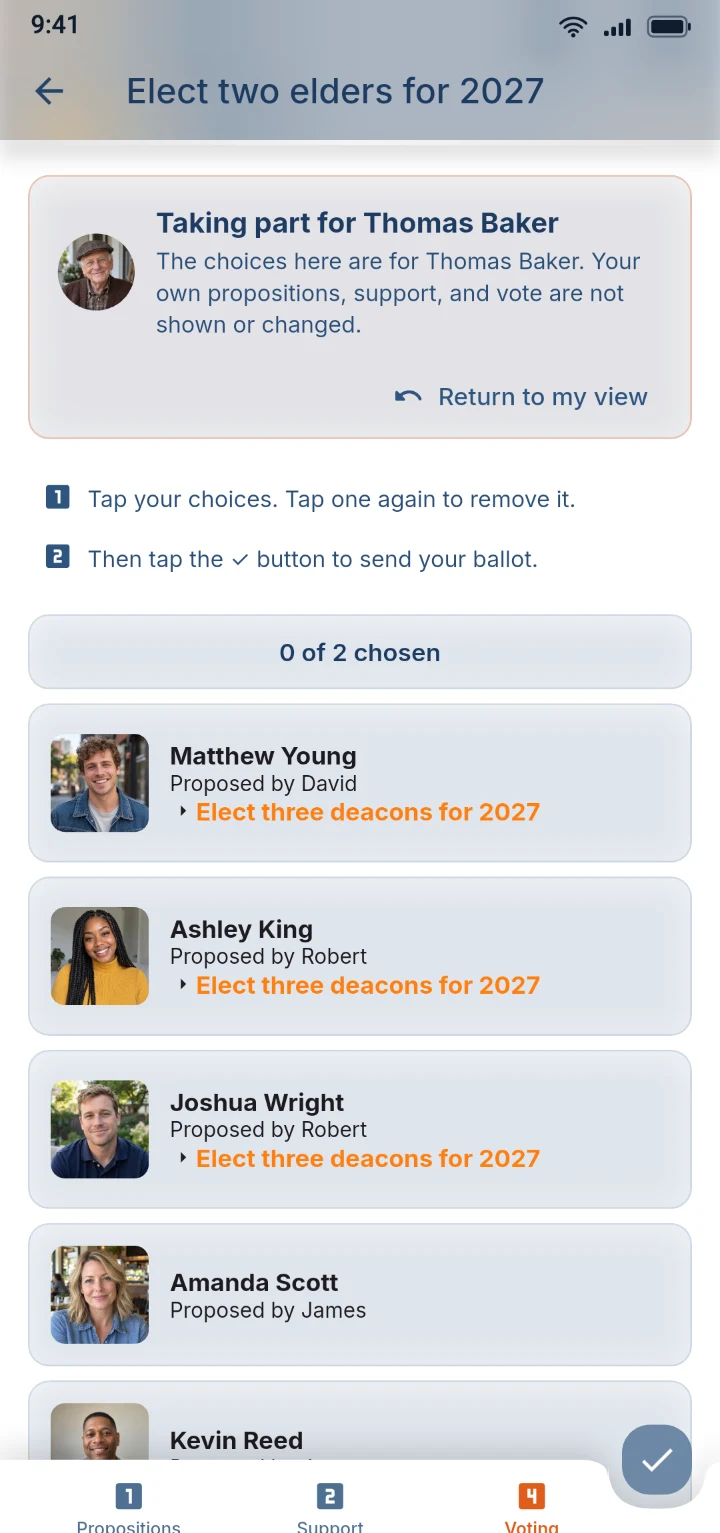
Nobody is left out of the vote

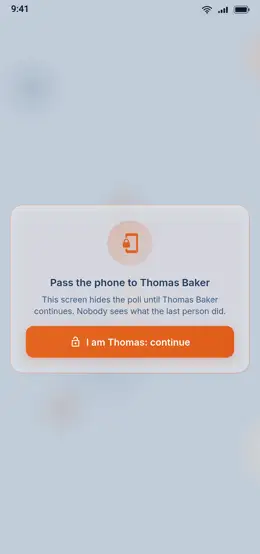
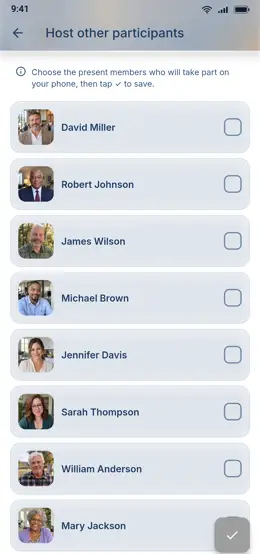
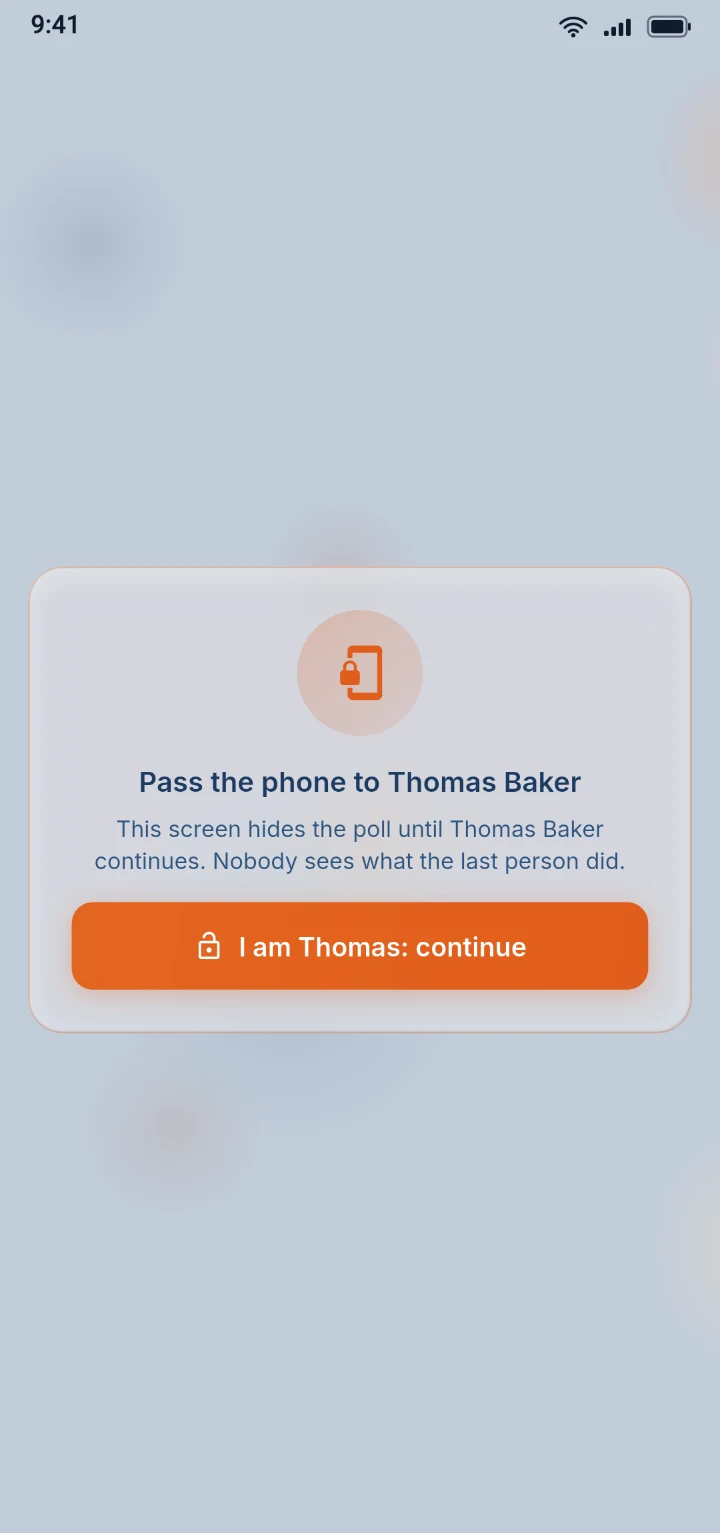
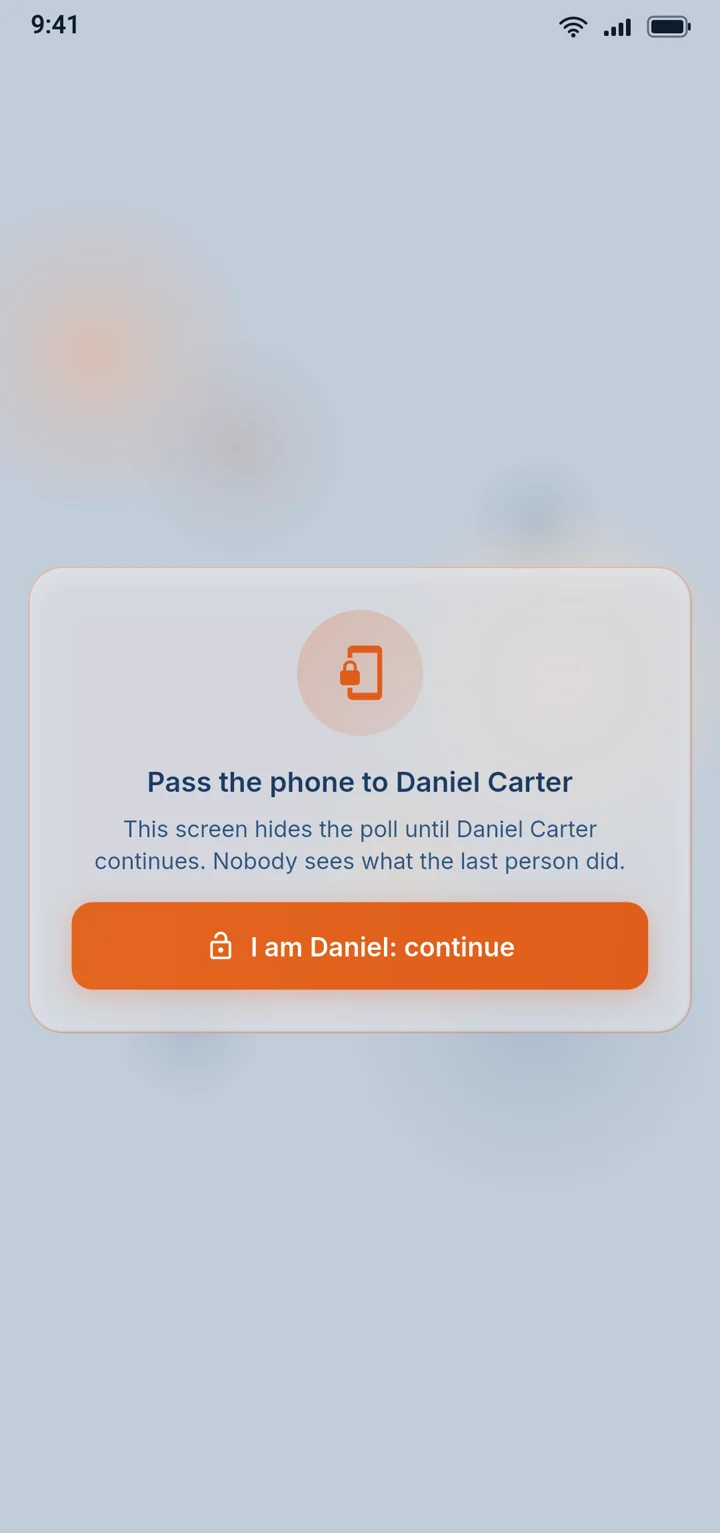
Members without a smartphone vote on someone else's phone. A full-screen curtain hides the host's choices until the guest is ready, and the phone goes back to its owner afterwards. The oldest member in the church gets the same vote as everyone else.

The privacy curtain asking to pass the phone to the guest
03

Money

Counting the offering and reporting it to the conference.

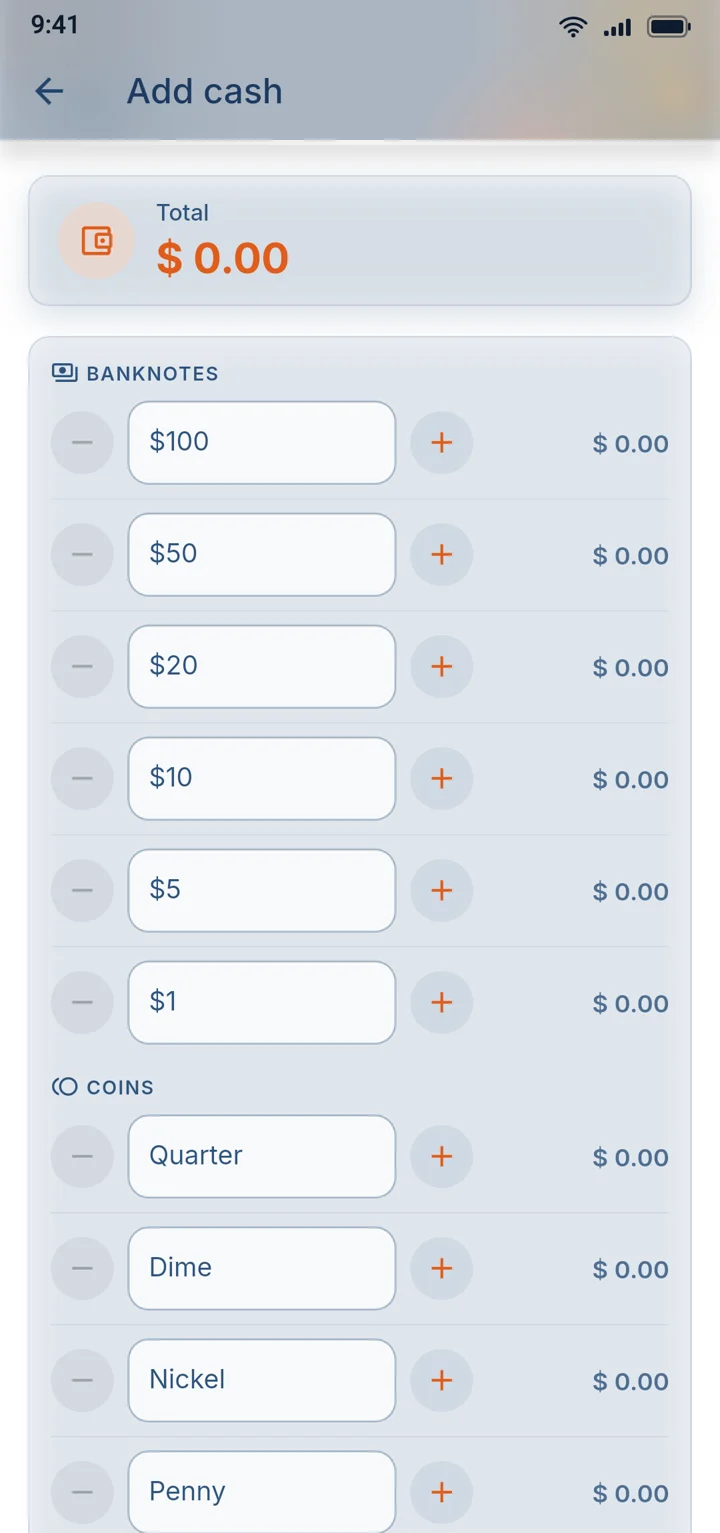
07Cash counting

Count the offering in minutes, to the cent

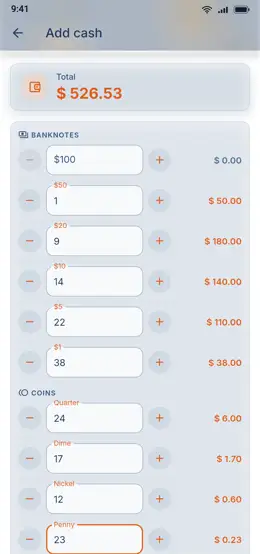
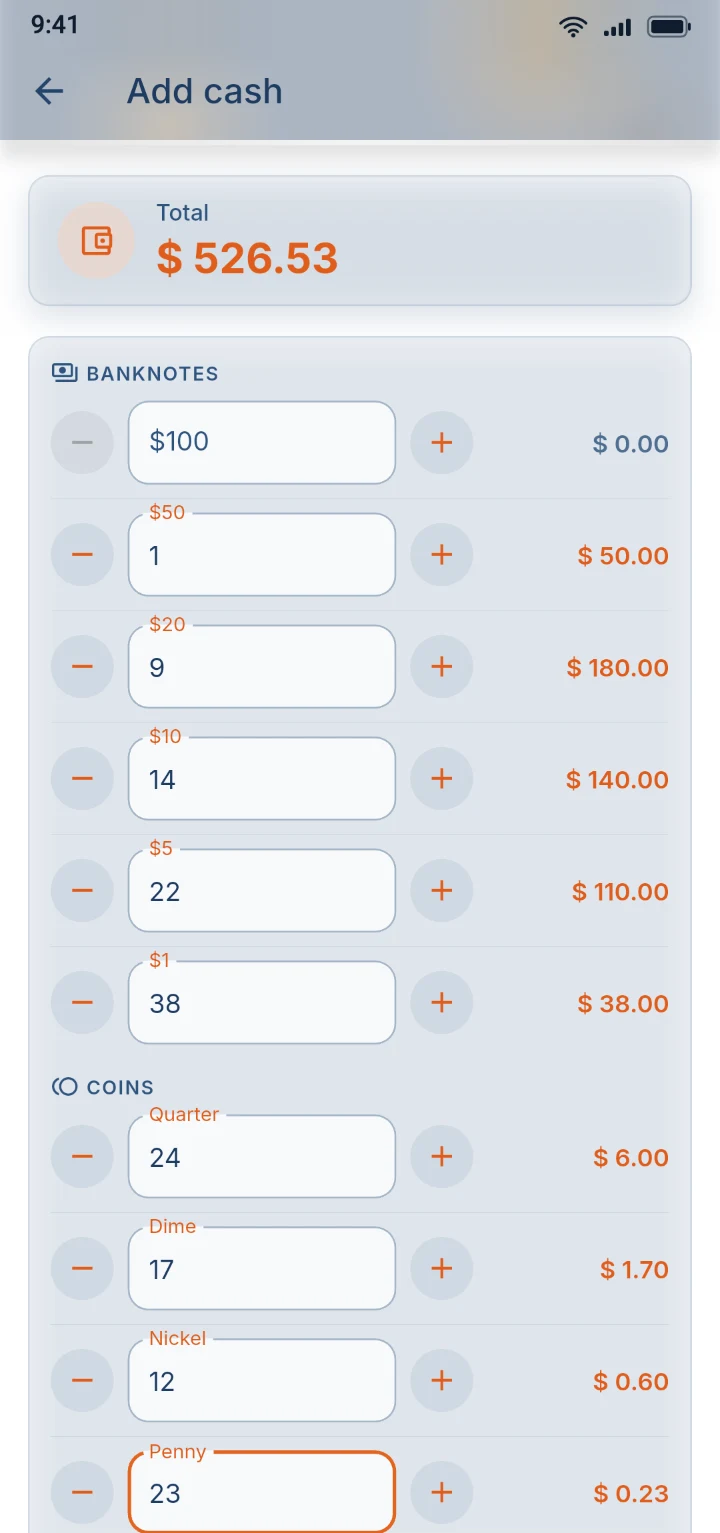
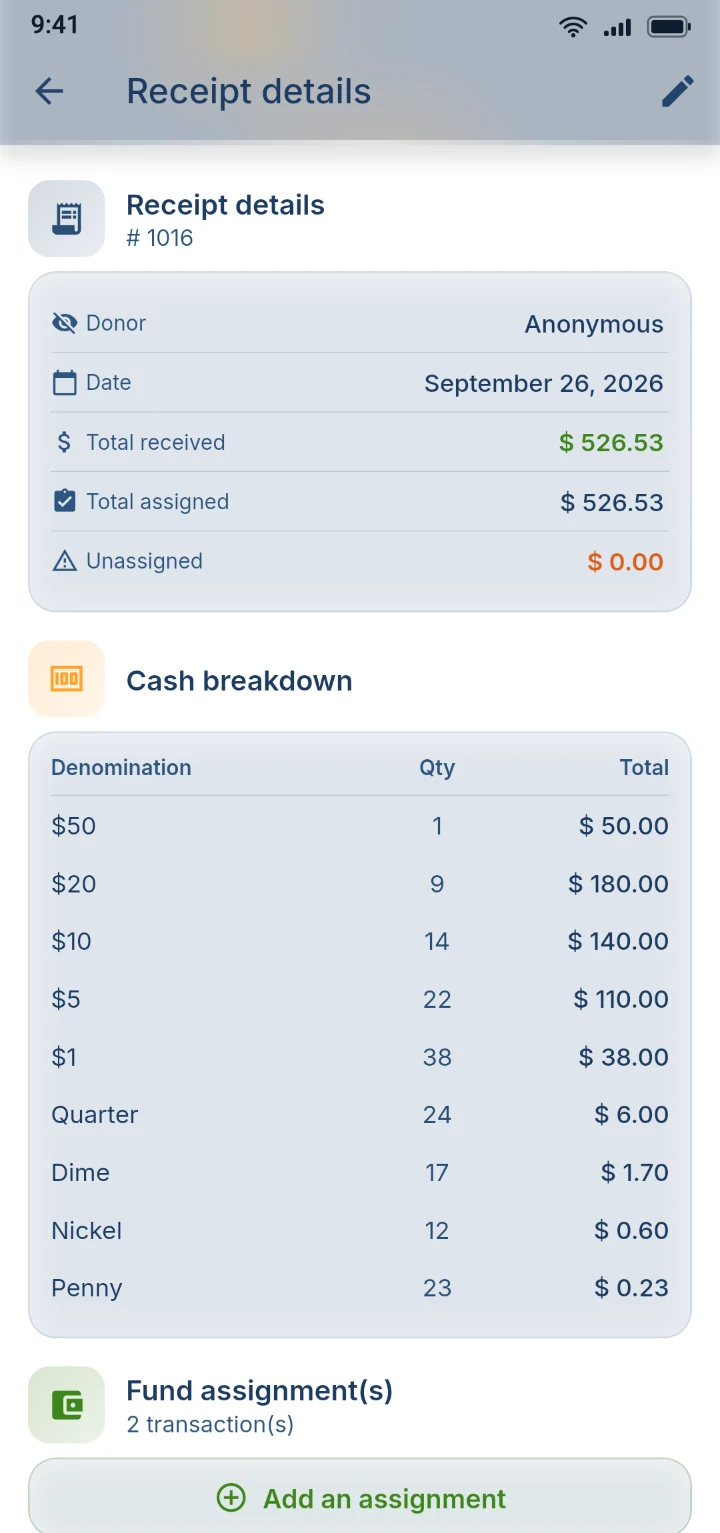
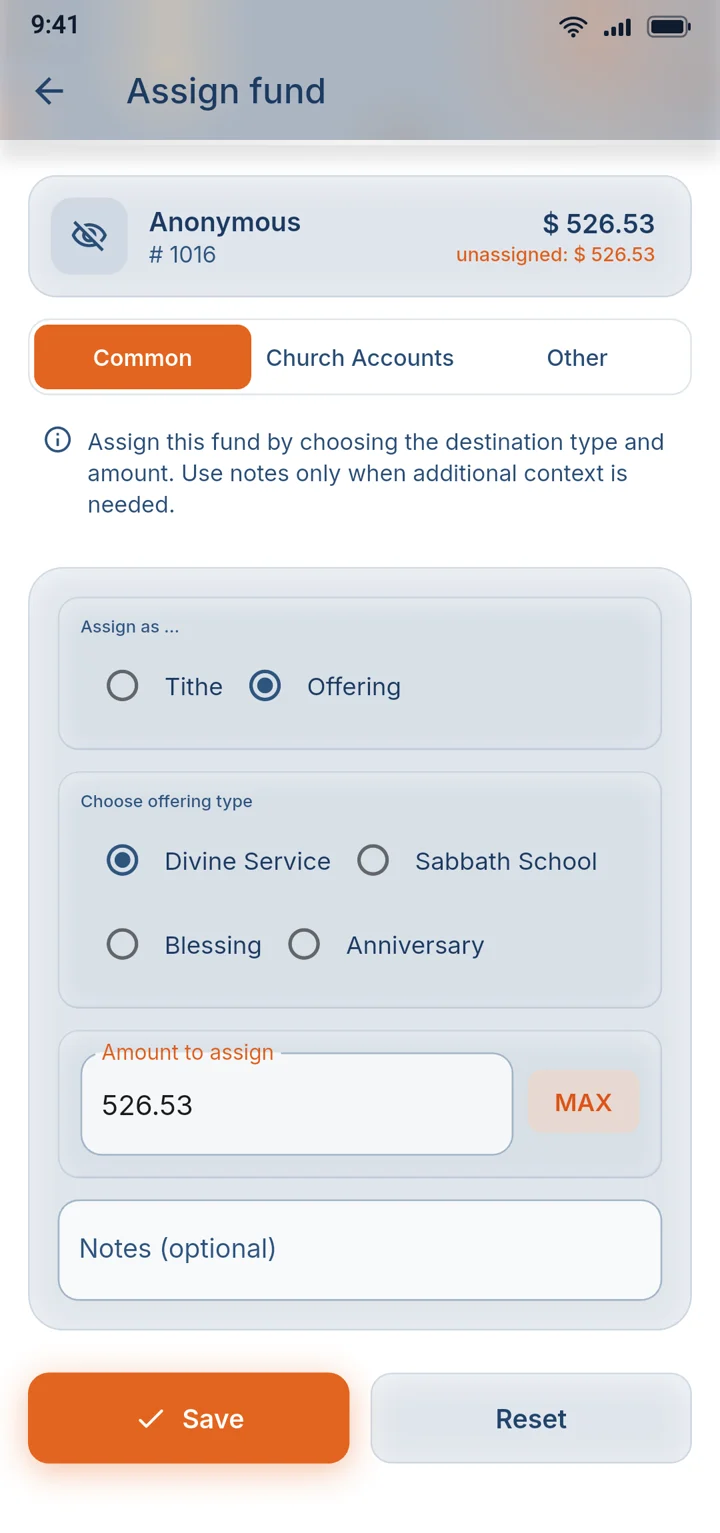
Tap + or − for each banknote and coin, and the total adds up as you go, with no calculator and no tally sheet. The breakdown then follows the money to the bank deposit and onto each giver's receipt, so the numbers always agree.

The counting screen listing banknotes and coins with a pinned total

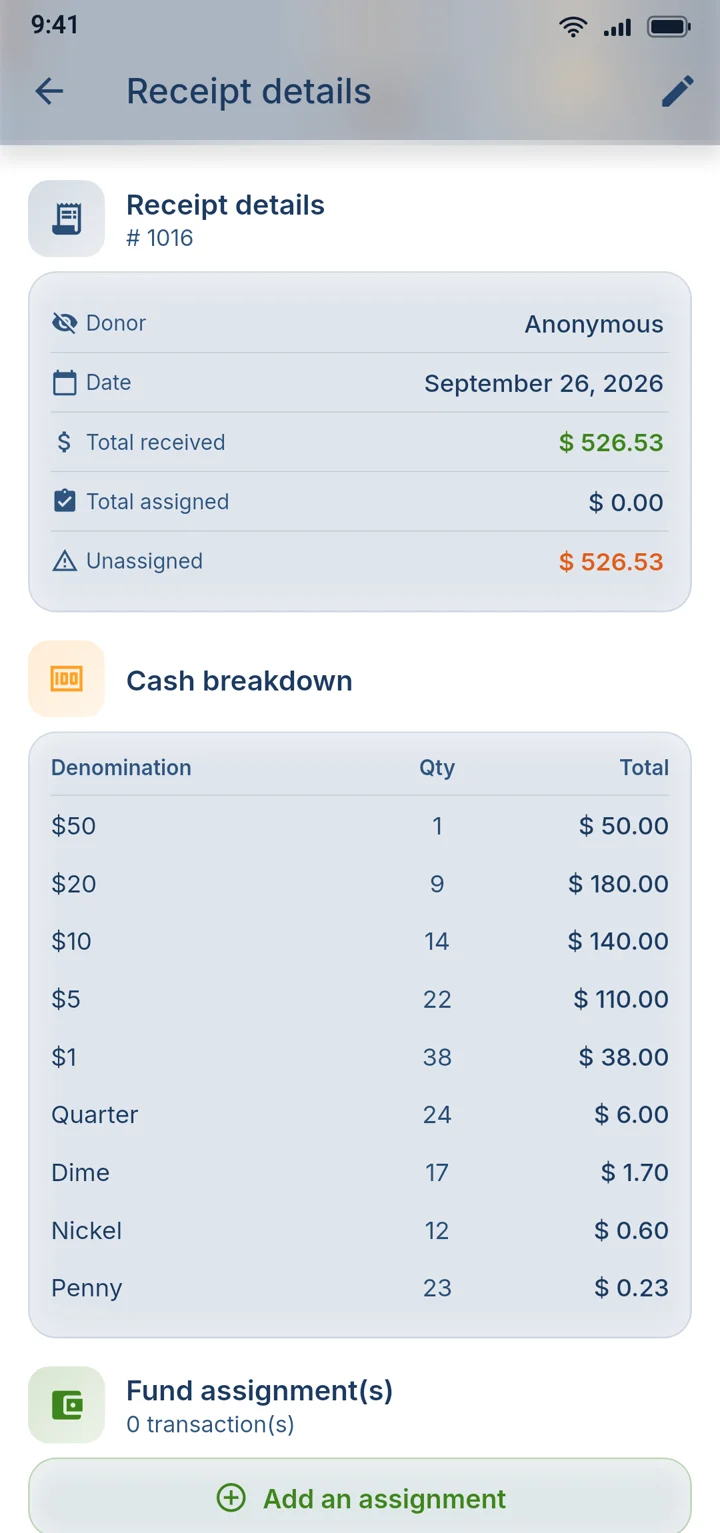
08Receipts

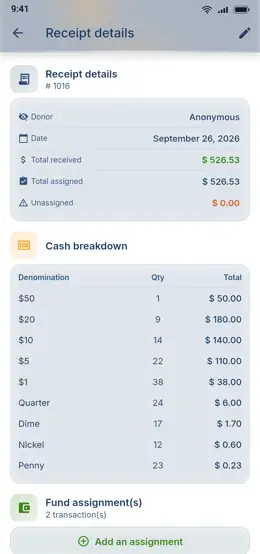
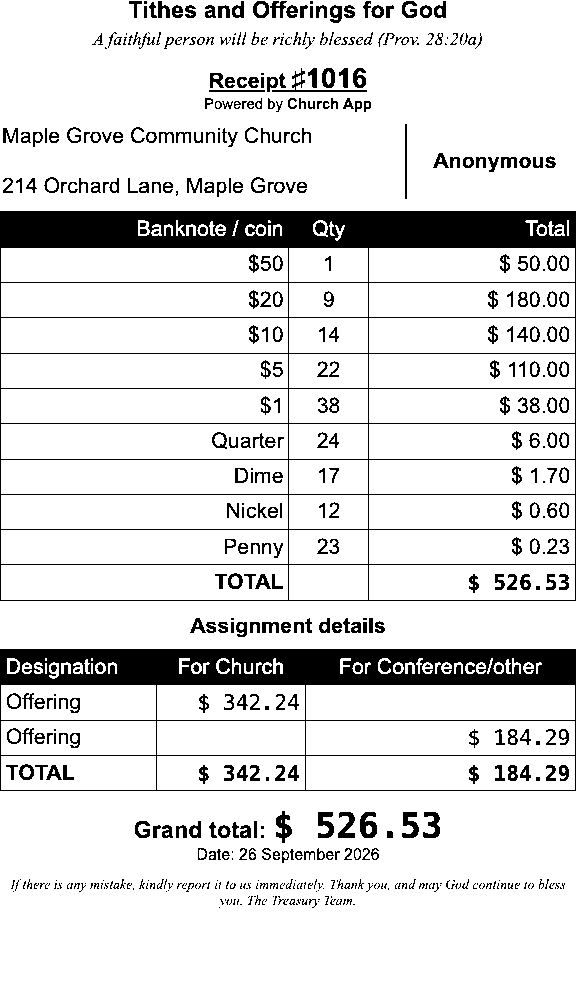
Hand every giver a printed receipt

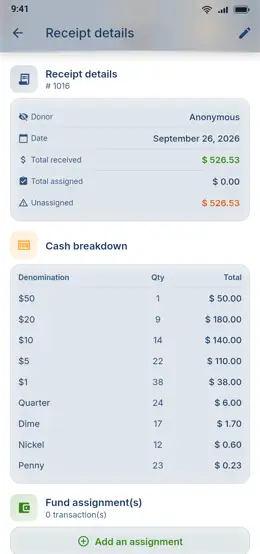
A pocket Bluetooth printer prints a numbered receipt on the spot, with the church name, the giver, the notes and coins, and the date. Givers leave with proof, and the paper matches the treasurer's records.

You need a connection and an 80 mm Bluetooth thermal printer.

A receipt ready to print, with its breakdown of notes and coins

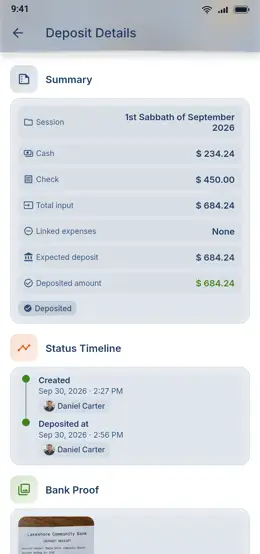
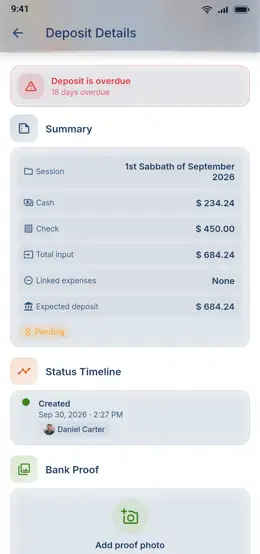
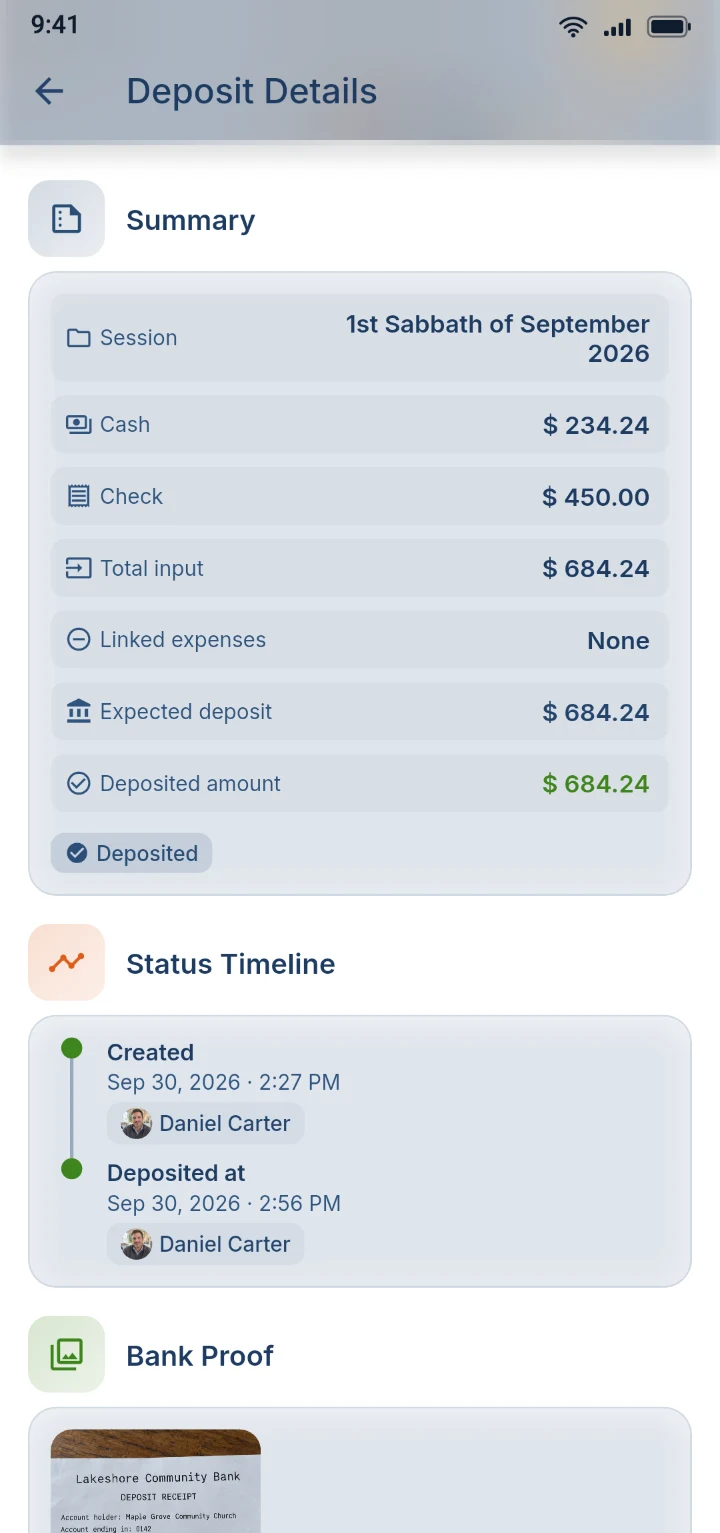
09Approvals

Protect the treasurer and the church's money

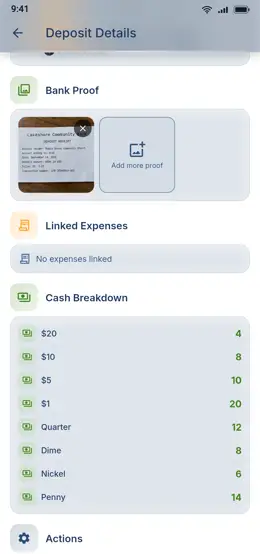
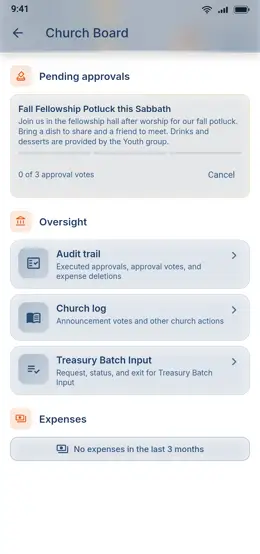
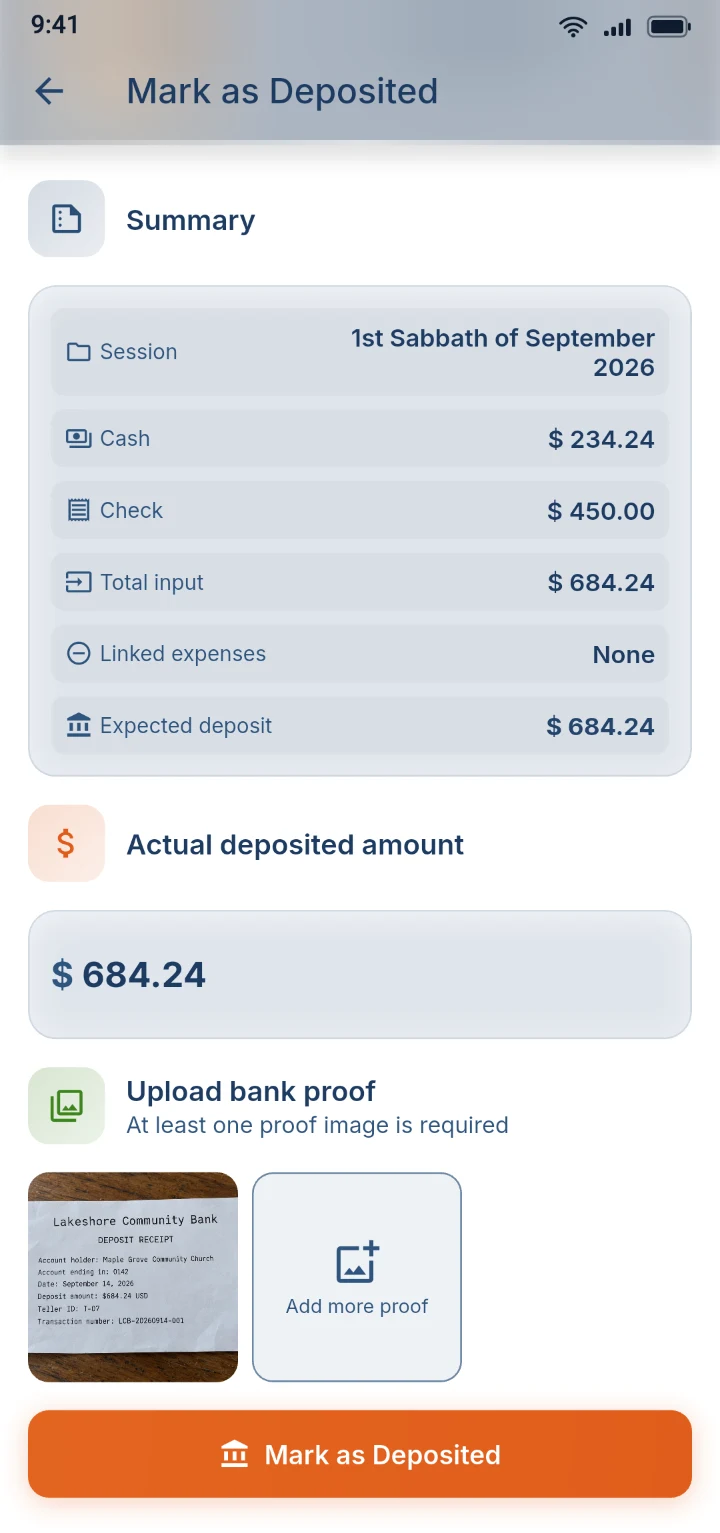
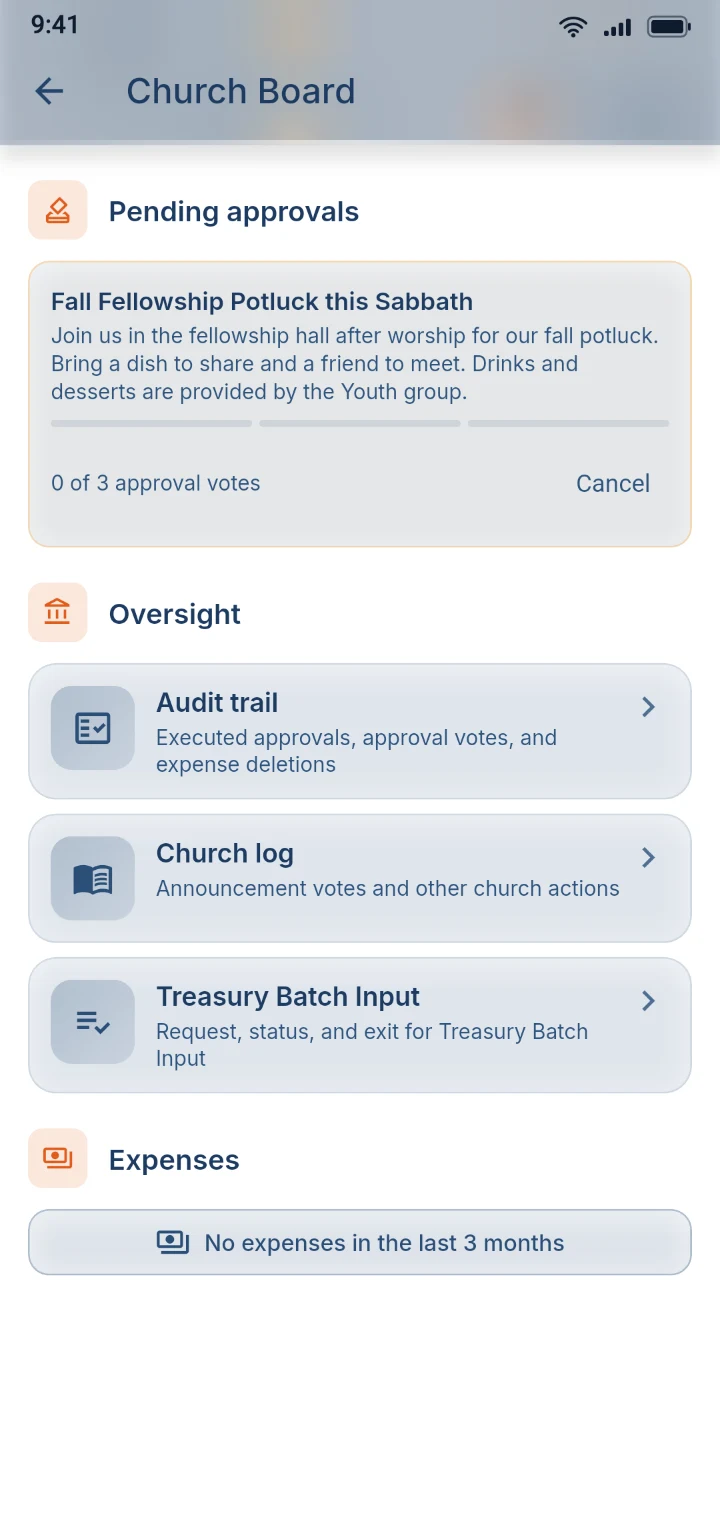
Sensitive changes wait until enough leaders approve them, and everyone can see the votes come in. A second treasury member checks every deposit against the bank slip. Nobody handles church money alone, and every step leaves a record.

Marking a deposit as made, with the bank slip attached as proof

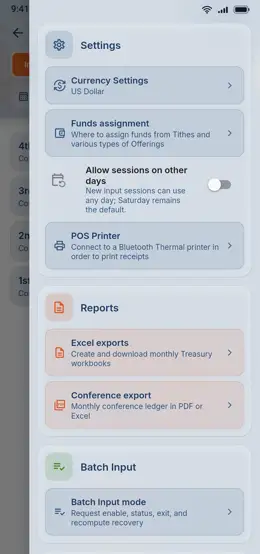
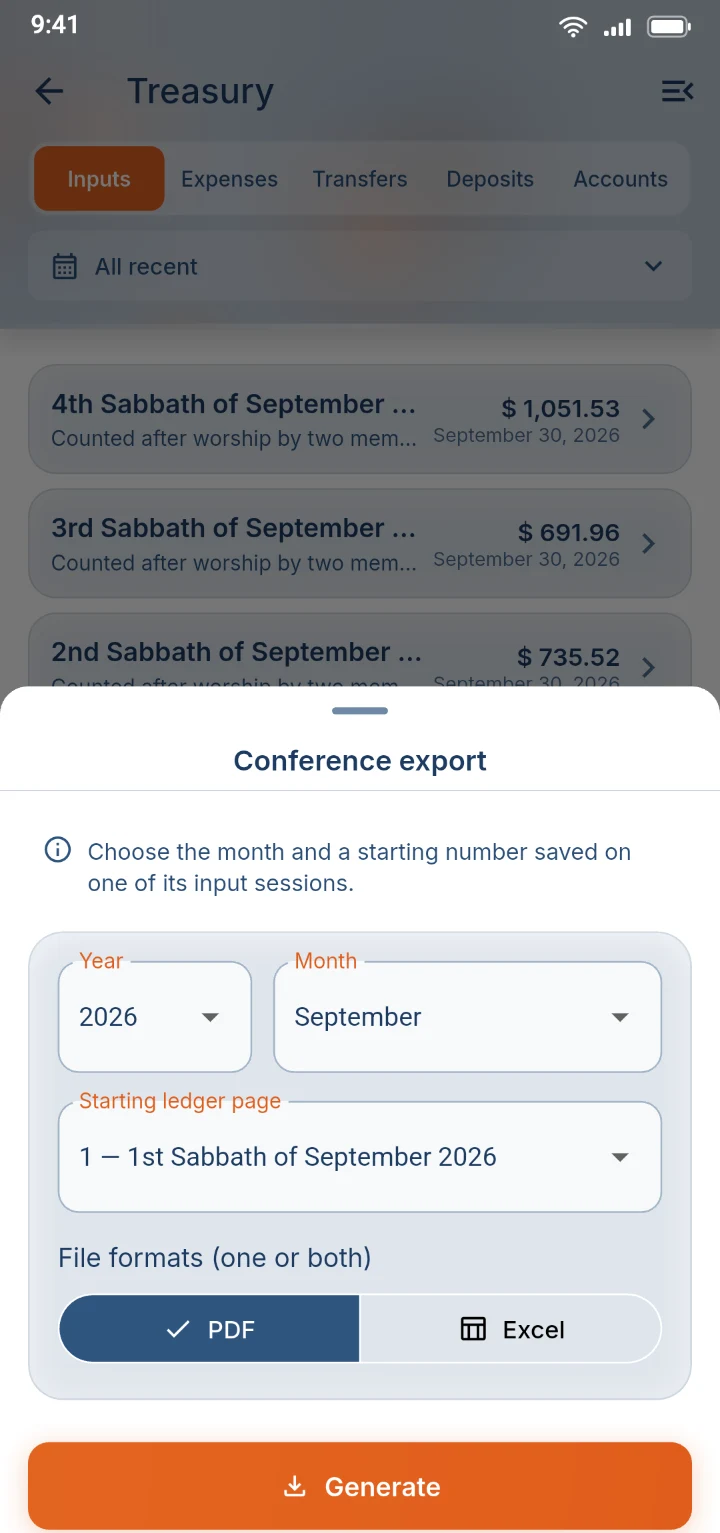
10Conference ledger

The conference report, ready in a few taps

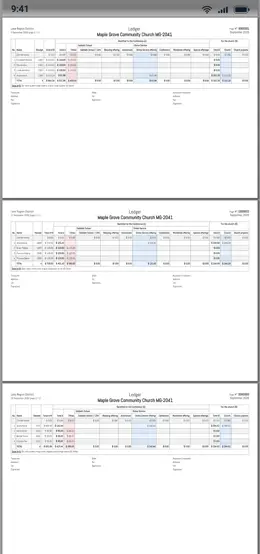
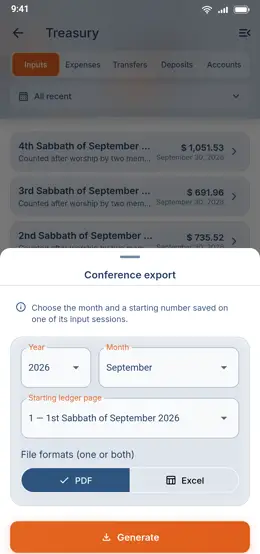
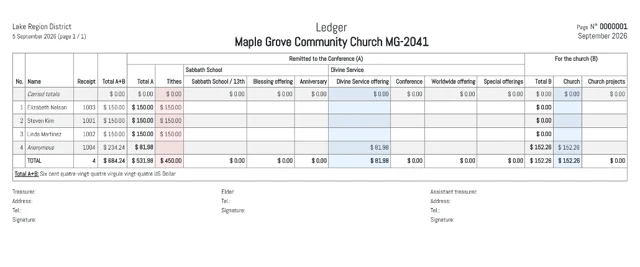
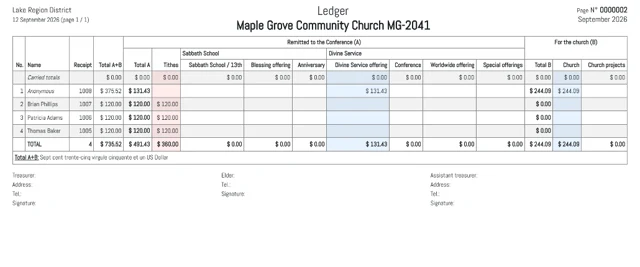
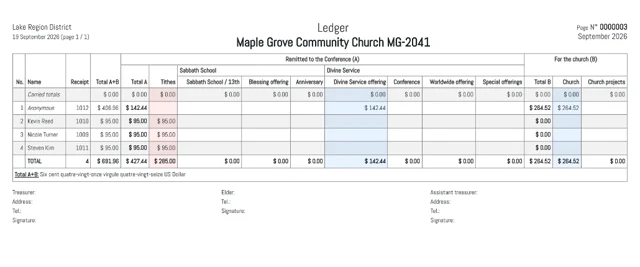
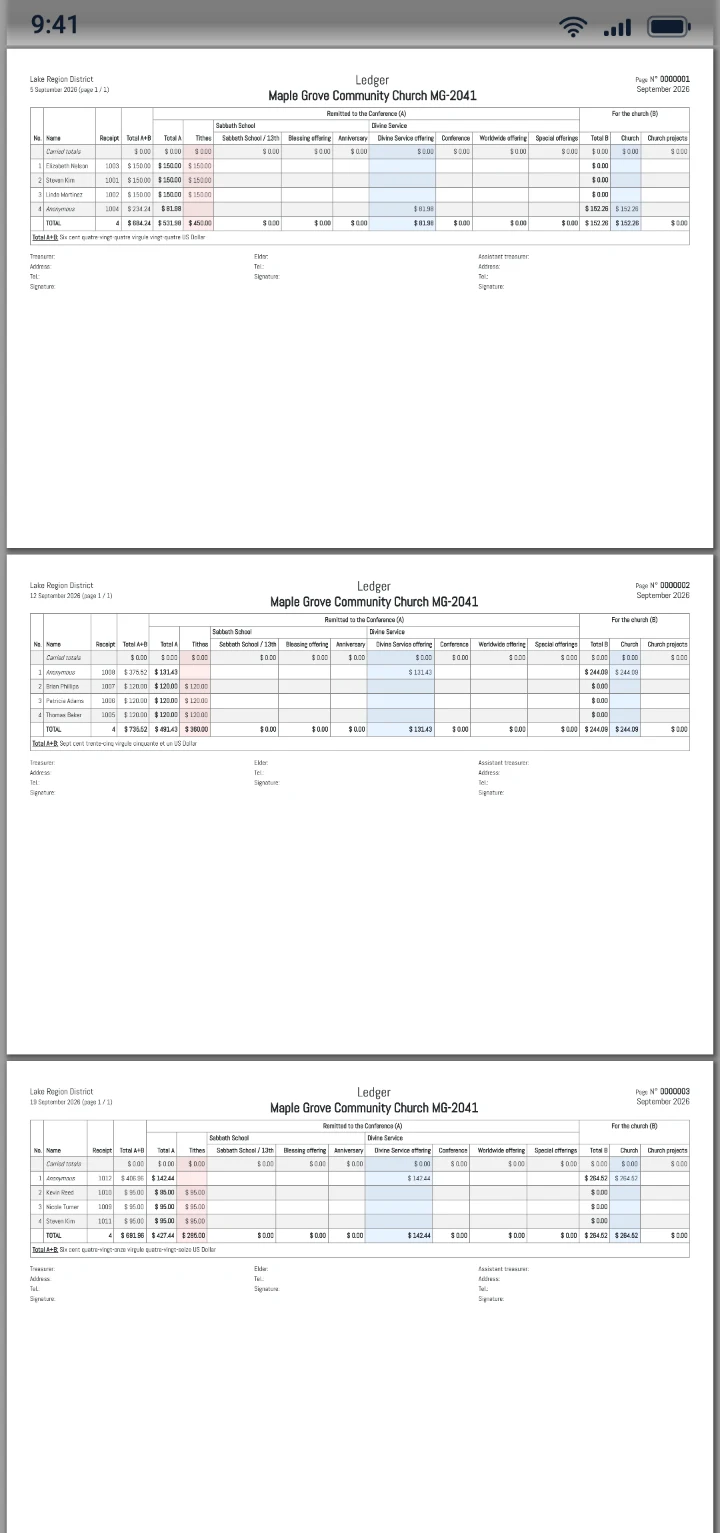
At the end of the month, export the conference ledger as a PDF or Excel file, with a page for each Sabbath, every giver's tithes and offerings, a monthly summary and space for signatures. The hours spent copying figures by hand are gone.

The screen for creating the monthly conference ledger
04

Music

For the choir, and for anyone learning their part.

11Sol-fa sheet

Every singer can read their part

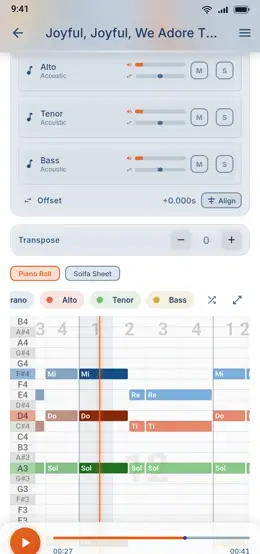
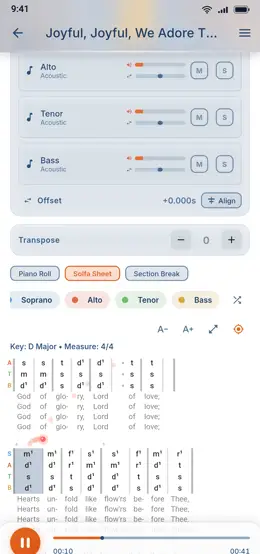
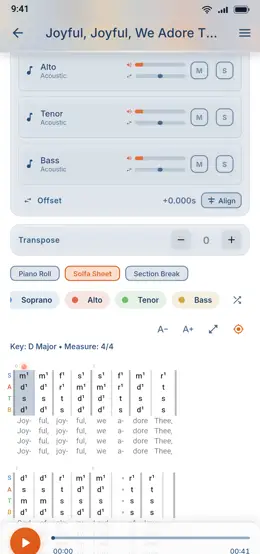
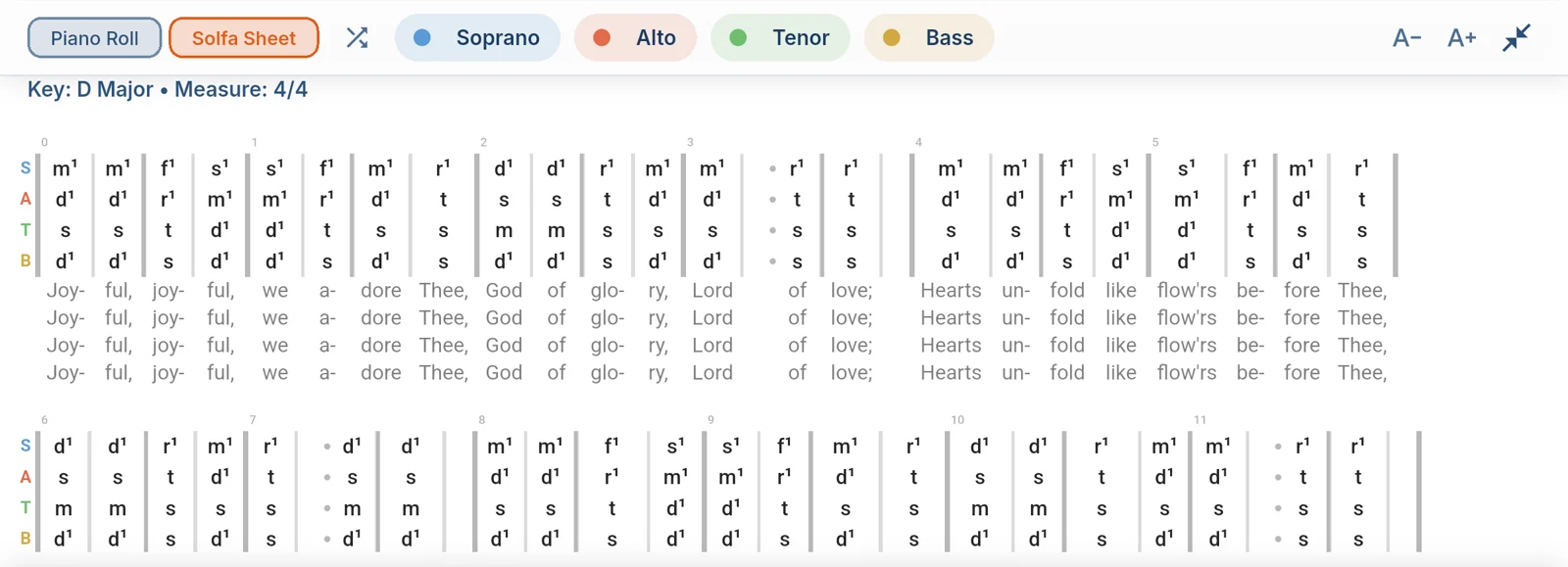
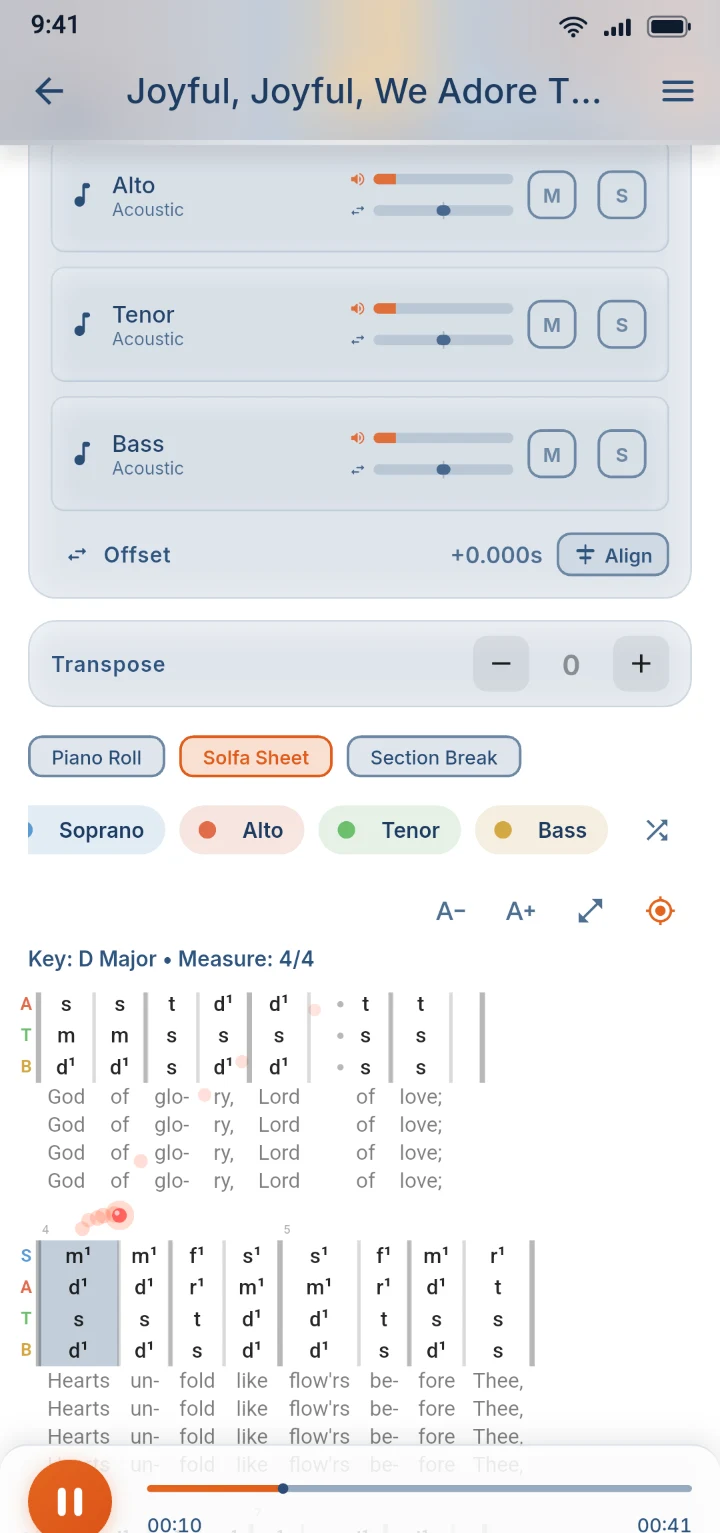
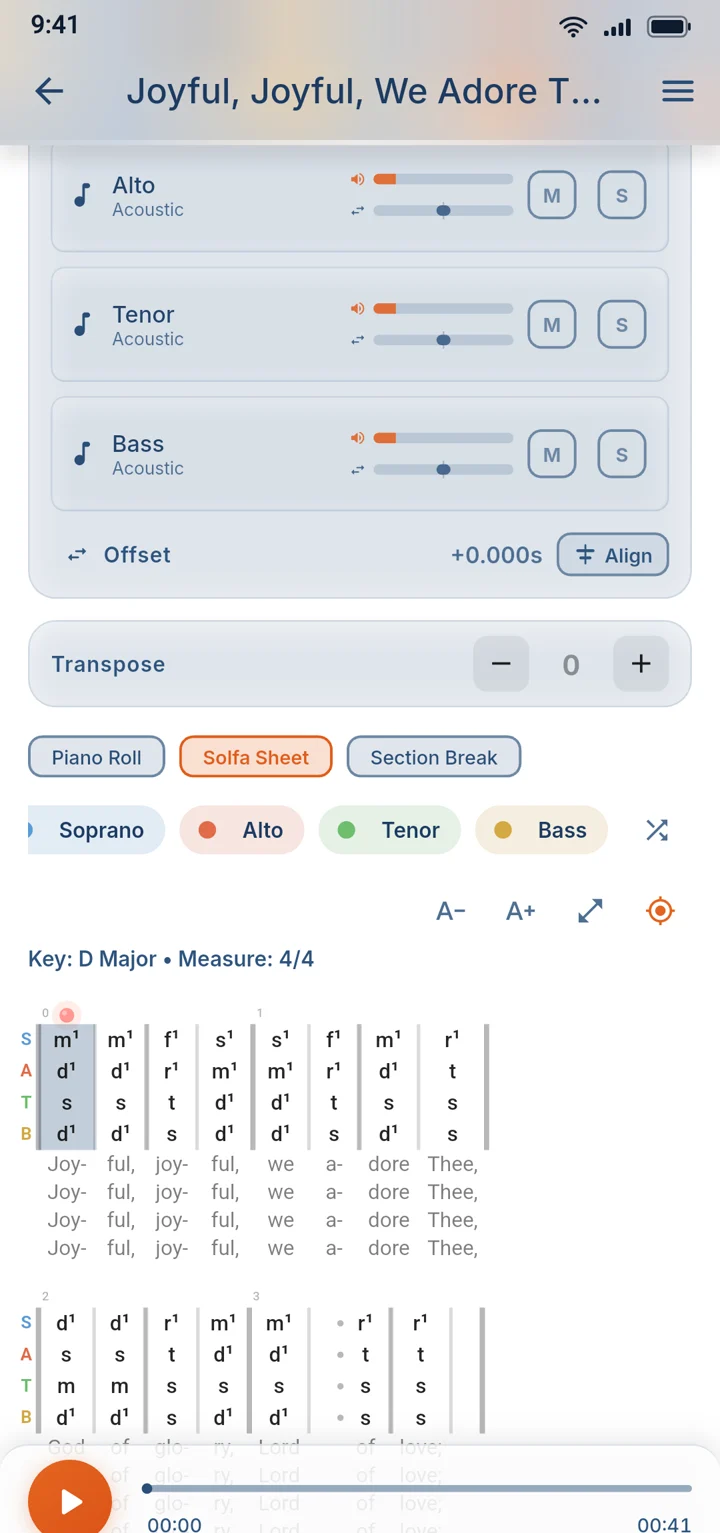
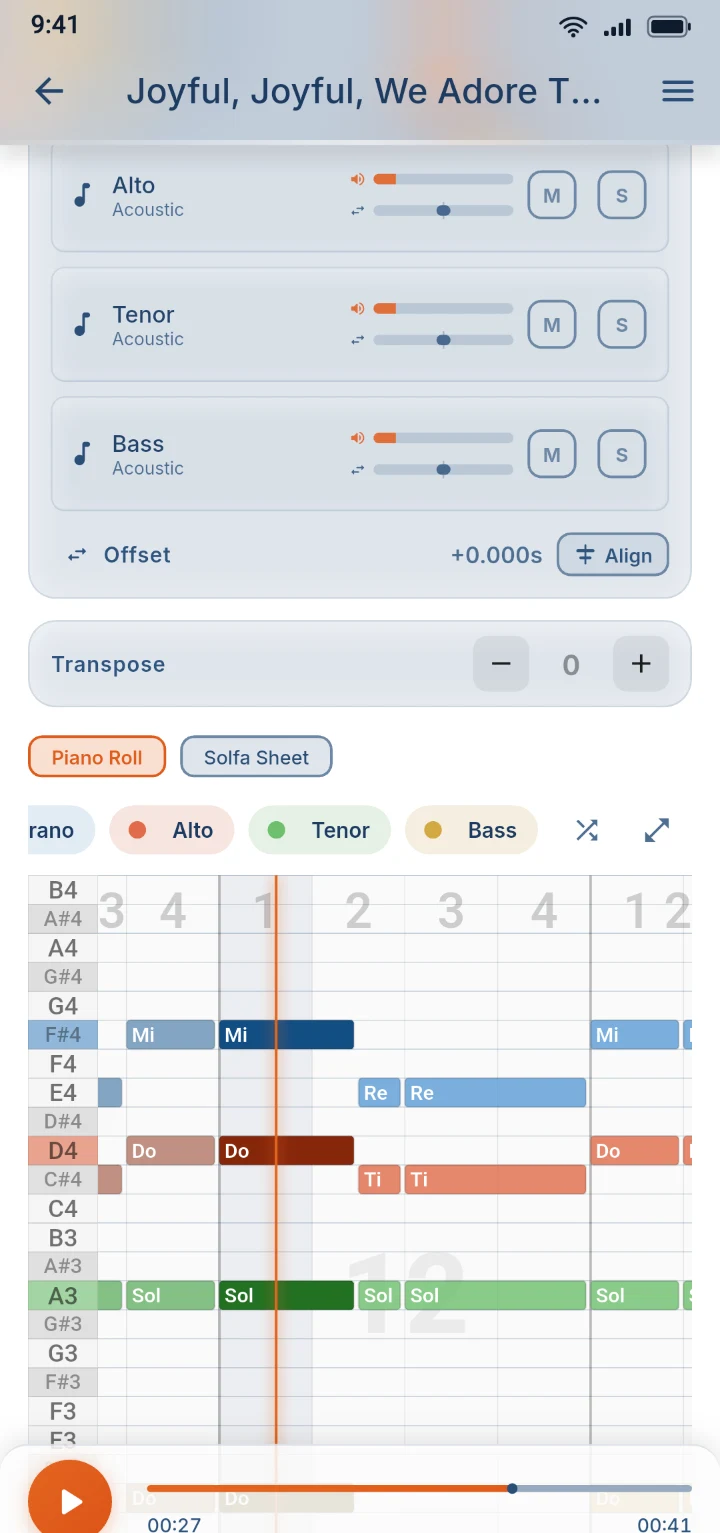
Import a song's MIDI file and the app writes each voice part out in tonic sol-fa, then scrolls along with the music. Tap any bar to practice it again. Choir members who never learned staff notation can follow every note.

The whole hymn on one landscape screen: four voice parts in sol-fa, with the words underneath
The tonic sol-fa sheet following the music, with the current bar highlighted

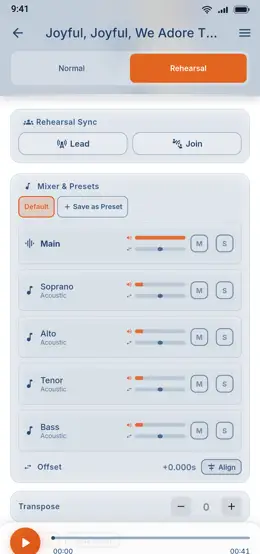
12Rehearsal sync

The whole choir rehearses in step

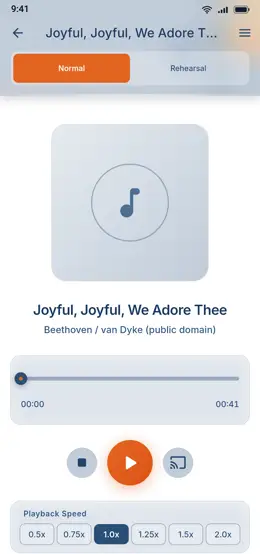
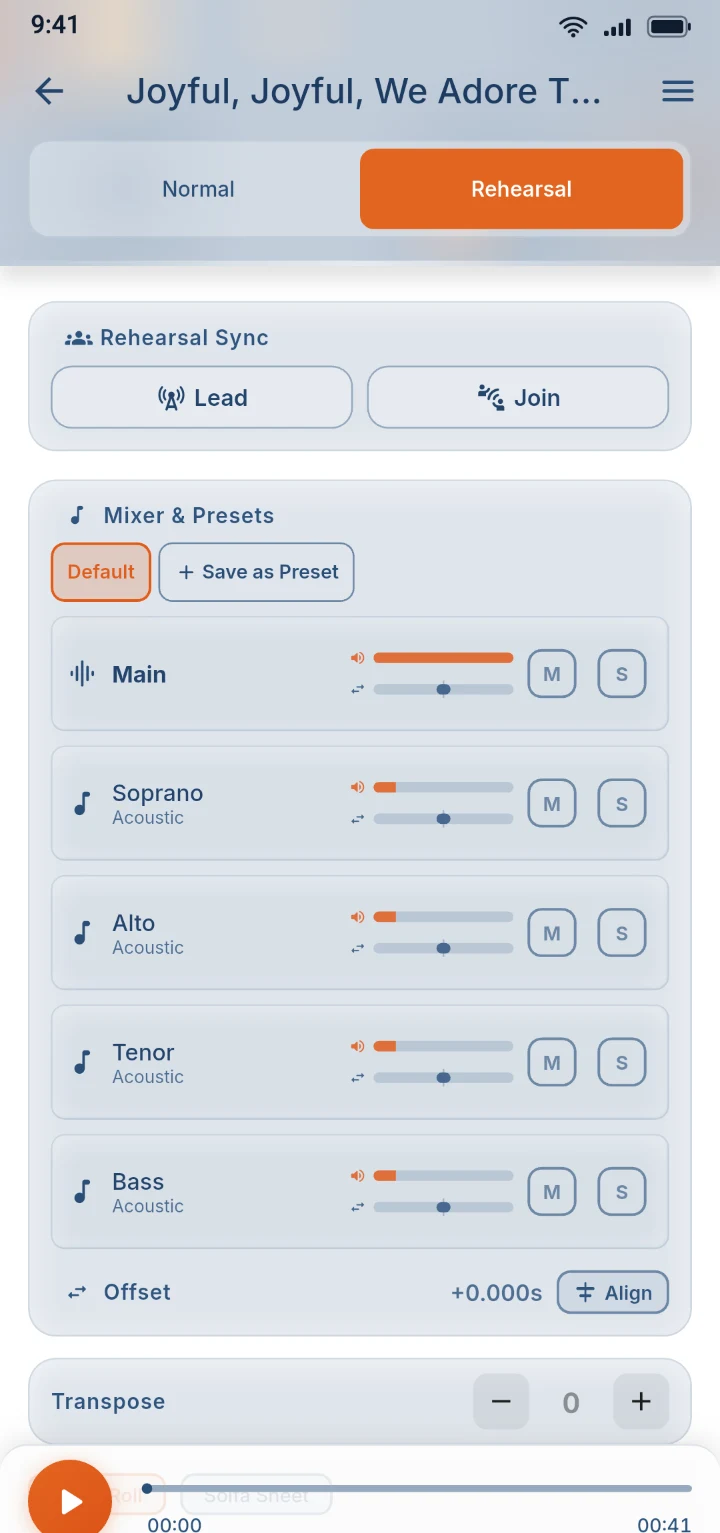
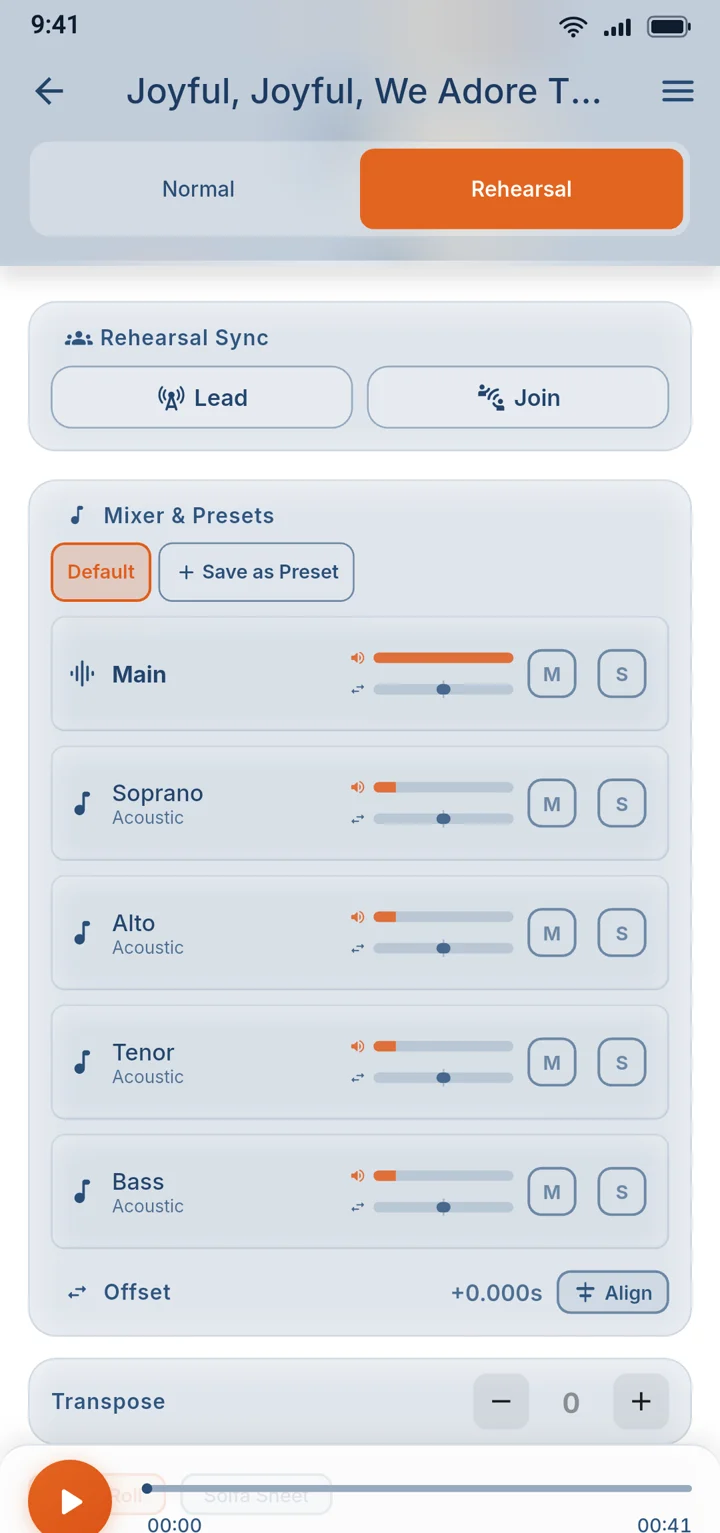
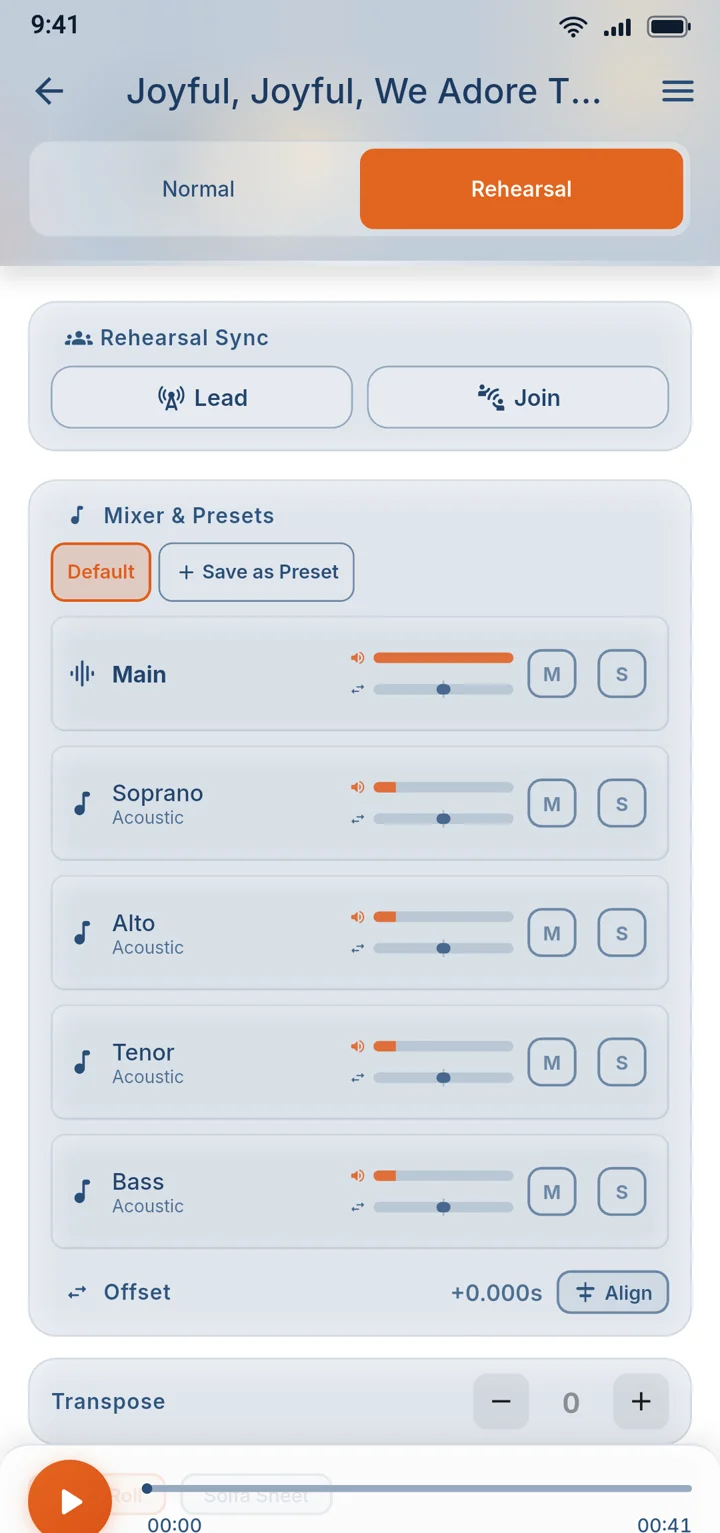
The choir leader plays, pauses or slows down the song, and every phone on the same Wi-Fi follows along. Everyone hears the same bar at the same moment, so practice moves faster and nobody gets lost.

The Rehearsal tab with Lead and Join for syncing phones, and a mixer for each voice part
05

Offline

When the signal drops in the middle of the service.

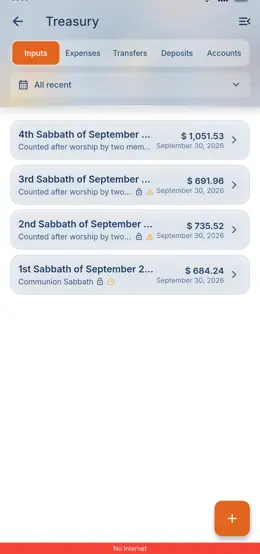
13Works offline

Keep working when the signal drops

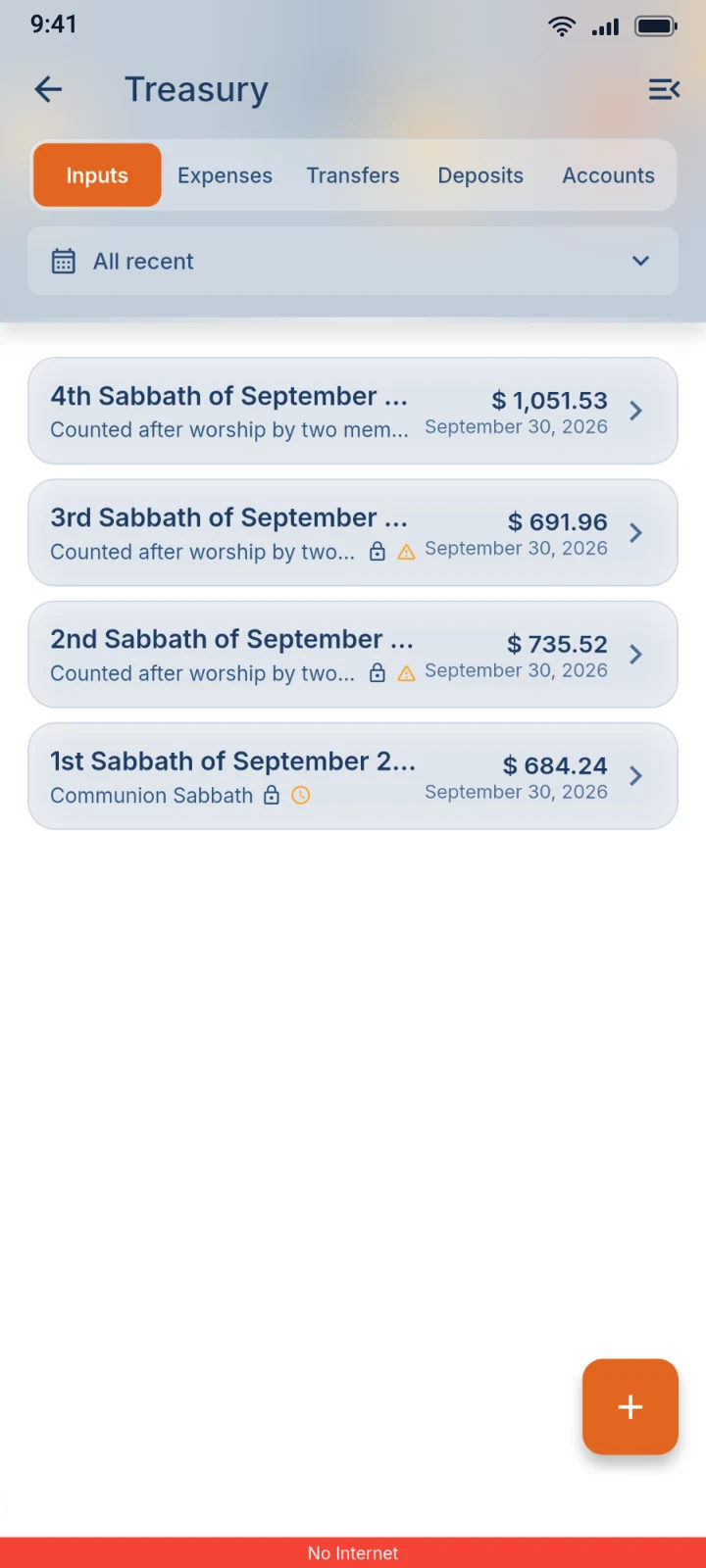
Many churches meet where the network is weak. The app opens from what's saved on your phone, and treasury and attendance keep working with no signal at all. The bar at the bottom shows when you're offline and when your changes have synced.

Announcements, meeting changes, uploads and joining a church need a connection.

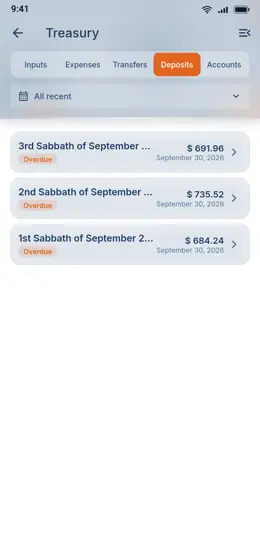
The Treasury screen still showing September's offering sessions, with the app's red No Internet bar at the bottom

A super app, not just another app

All 138 features, by area

The thirteen above are a small part of it. Every area of church life has its own tools, worked out down to the details that matter on a Sabbath morning, and the list grows every month. We haven't seen another church app that comes close.
Start and join 7

  • Join by QR or Church Code
  • Cancel a join request
  • Review join requests
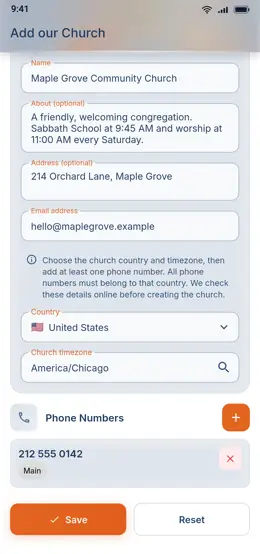
  • Add your church to the app
  • Share your church code
  • Church setup checklist
  • Choose a Church

Members and people 12

  • Member book
  • Photos on member records
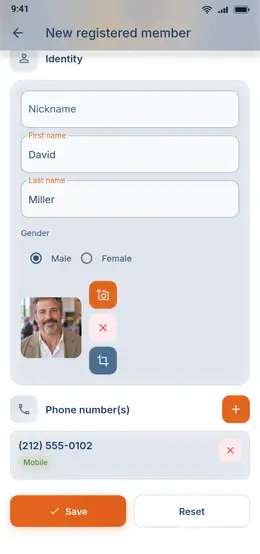
  • Add members to the book
  • Correct a member's details
  • Link accounts to member records
  • Member transfers between churches
  • Exclude with a recorded reason
  • Membership history
  • Duplicate profile check
  • People with limited access
  • Upgrade or remove a person
  • See who is online

Roles, access and privacy 7

  • Eight church roles
  • Private church workspaces
  • Google and Apple sign-in
  • One profile for every church
  • Link Google and Apple sign-in
  • Terms and privacy choices
  • Delete my account

Meetings and votes 24

  • Meeting groups
  • People in a group
  • Read-only viewers
  • Meeting alerts
  • Meeting sessions
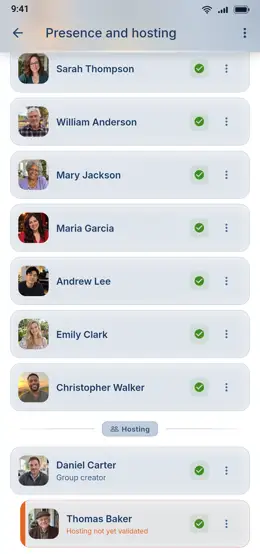
  • Meeting roll call
  • Phone handover
  • Guided polls
  • Propose and support names
  • Remarks on each name
  • Sealed results
  • Tie-break rounds
  • Finalize a result
  • Correct a final result
  • Restart or reopen a vote
  • Nominating committee mode
  • Linked sessions
  • Inverted results
  • Inform the elected
  • Presentation builder
  • Public presentation page
  • Live projector screen
  • Live screen controls
  • Keep the link private

Board, elders and approvals 4

  • Church Board
  • Elders hub
  • Approval vote meter
  • Church log

Offerings and receipts 14

  • Your church's own currency
  • Sabbath offering sessions
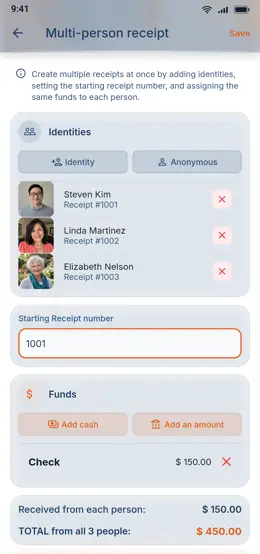
  • Receipt for one giver
  • Several receipts at once
  • Find or register a giver
  • Banknote and coin counting
  • Checks, bank and mobile money
  • Assign gifts to accounts
  • Second check on late changes
  • Refused receipts kept as notes
  • Pair a Bluetooth printer
  • Bluetooth receipt printing
  • Thank-you notification for givers
  • My giving and receipts

Books, deposits and reports 18

  • The treasury desk
  • Church accounts
  • Balances by month
  • Close the month
  • Record an expense
  • Require proof receipts
  • Verify a proven expense
  • Proof receipts to return
  • Bank deposit tracking
  • Verify a deposit
  • Link expenses to a session
  • Session wipe request
  • Excel workbooks by month
  • Conference ledger report
  • Treasury audit trail
  • Batch Input catch-up mode
  • Board expense oversight
  • Church Finance for members

Departments and attendance 14

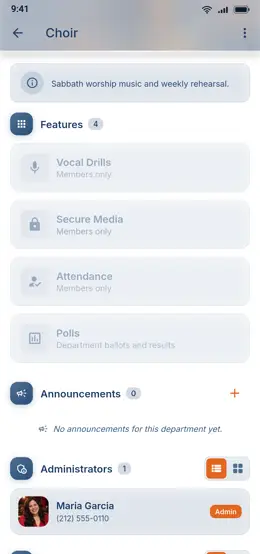
  • Department pages
  • Department setup
  • Manage department members
  • Non-member access
  • Department access history
  • Department polls
  • Borrowed-phone voting
  • Attendance events
  • Bluetooth check-in
  • Roll call and excuses
  • Event group photos
  • Attendance with no signal
  • Attendance statistics
  • Attendance badges

Music and rehearsal 16

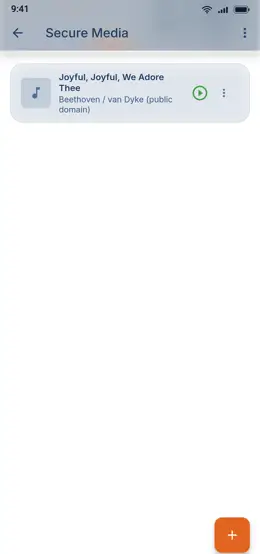
  • Private song library
  • Upload and manage songs
  • Song player
  • Mixer and presets
  • Change the key
  • MIDI play-along
  • Tonic sol-fa sheet
  • Sol-fa naming presets
  • Piano roll and lyrics
  • Song sections and loops
  • Rehearsal sync
  • Remote Audio
  • Pitch Sync
  • Range Blaster
  • Solfa Bird
  • Drill leaderboard

Announcements and support 13

  • Announcements inbox
  • Publish an announcement
  • Whole church or departments
  • Read receipts and delivery report
  • Announcement reminders
  • Send announcements by SMS
  • Check SMS recipients and cost
  • SMS from your own phone
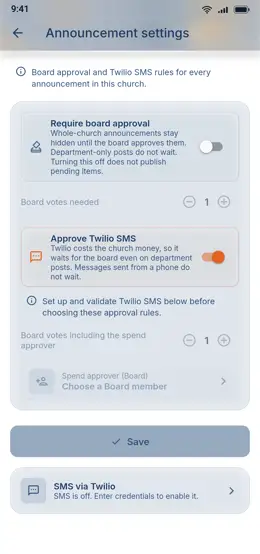
  • Board approval for announcements
  • Board approval for paid SMS
  • Remove an announcement
  • Contact Support
  • Support replies and follow-up

Everyday app 9

  • Offline work and sync bar
  • Live updates
  • English and French
  • Light, dark and backgrounds
  • Text and interface size
  • Home for your role
  • Greeting and verse of the day
  • Notifications in your language
  • Notification switches

Shown in detail above

Each church is separate

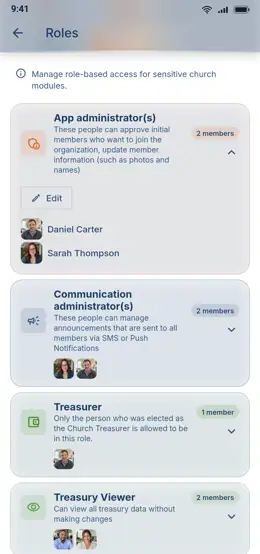
Every church has its own space, and people only see what their role allows. Access to one church does not open another.

Updates as they happen

When someone changes a record, the other connected phones show it within a few seconds.

English and French

Switch the whole app between English and French whenever you like.

Get the app

On Google Play and the App Store.

SDA Church App iconSDA Church App

A private app for running a Seventh-day Adventist church: members, treasury, meetings and music.

© 2017-2026 Elie Zedeck. All rights reserved.

Seventh-day Adventist and the flame logo are trademarks of the General Conference Corporation of Seventh-day Adventists.

SDA Church App is an independent app. It is not an official product of, or endorsed by, the General Conference Corporation of Seventh-day Adventists.